
Edit an appointment or view it in detail
Edit an appointment or view it in detail
Editing and viewing follow the same path. Think of the therapy location or the time of the session.
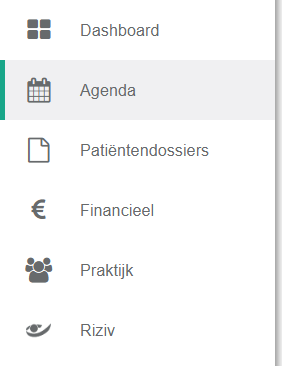
- Click agenda in the left menu bar.
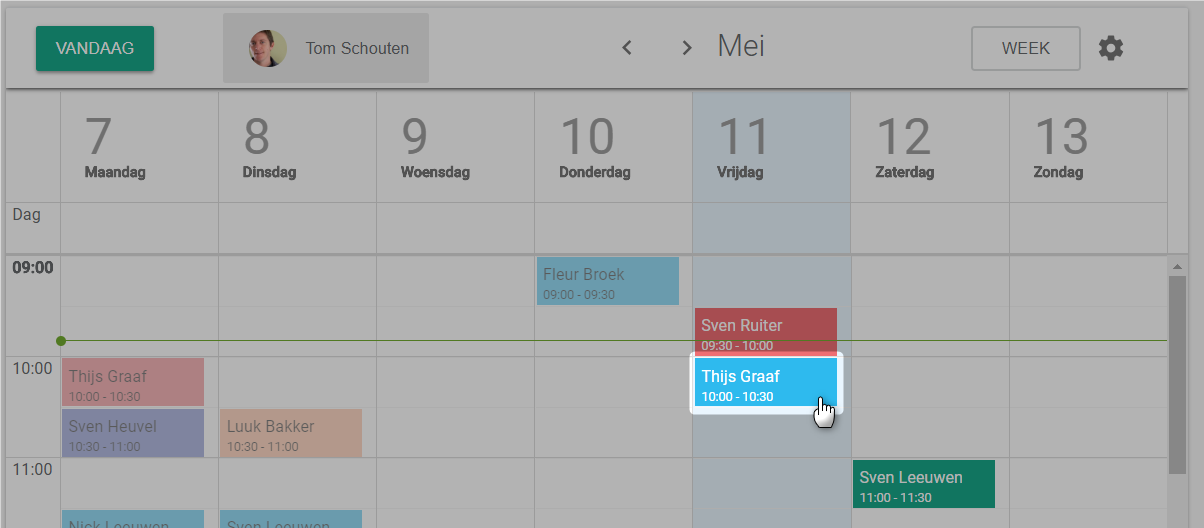
- Click the appointment you want to view or edit.
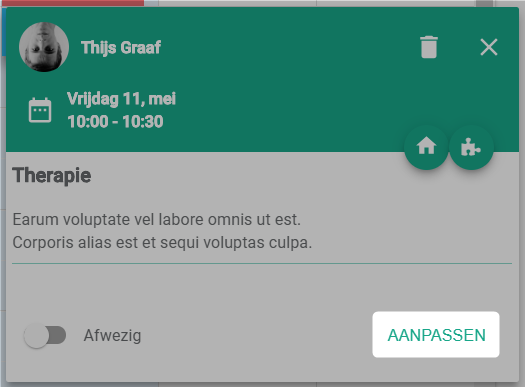
- Click the edit button.
You land on the detail page of the appointment. There you can read and change every field.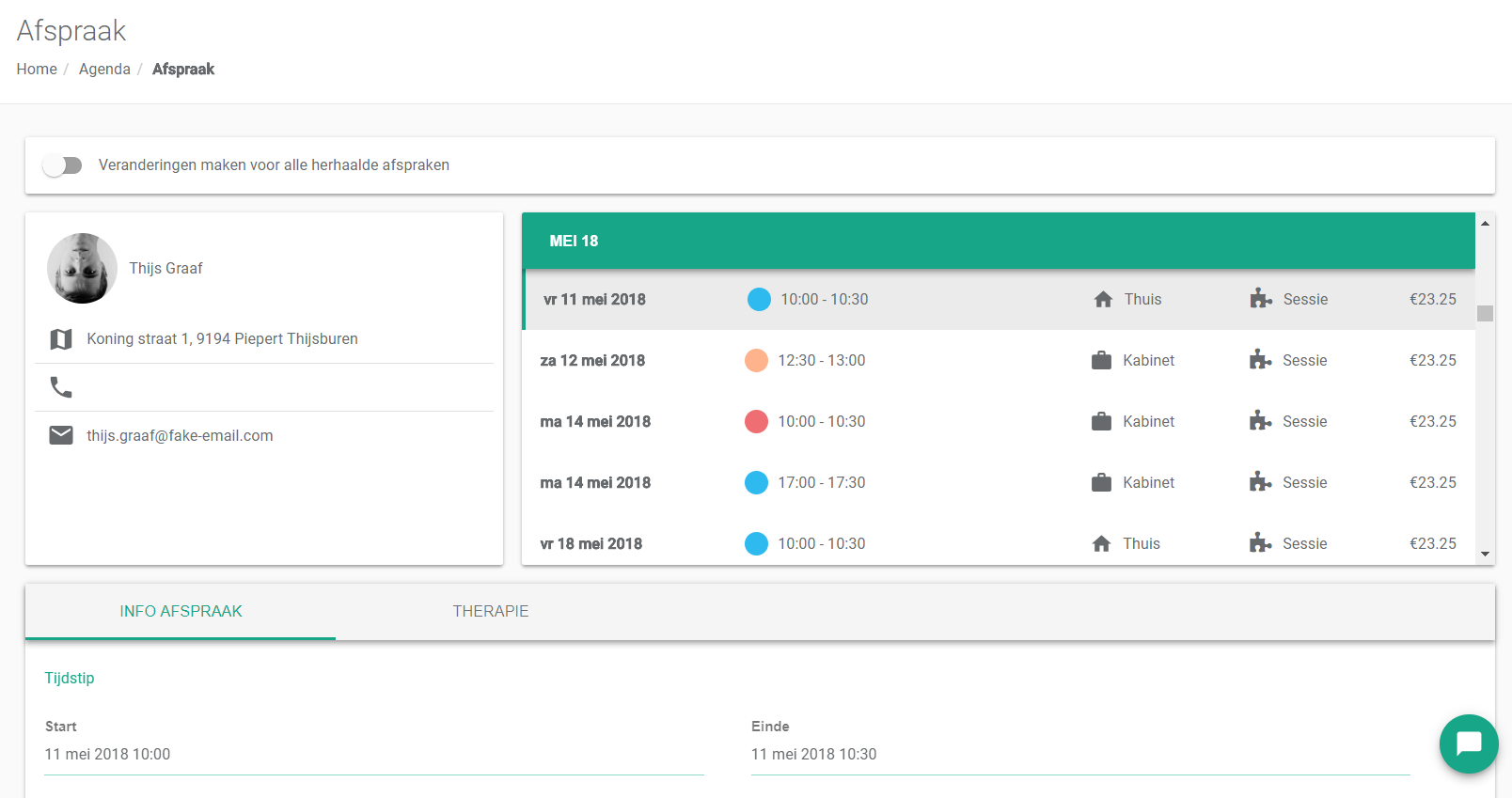
Nog een vraag?Open een ticket, wij bekijken het samen met u.
Open een ticket