
Set a default colour per appointment type
Set a default colour per appointment type
Every appointment type gets its own colour in the calendar. You decide which.
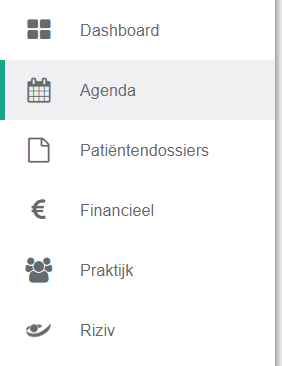
- Click agenda in the left menu bar.
- Click the icon
 .
.
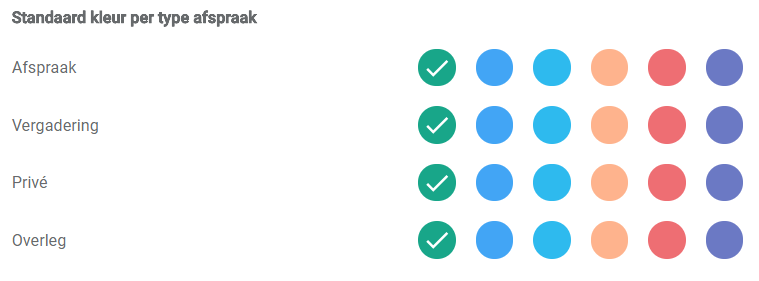
- Select the colour you want for each appointment type. A tick marks the selected colour.
Nog een vraag?Open een ticket, wij bekijken het samen met u.
Open een ticket