
Select the calendar of another practice
Screenshots show the Dutch interface. Menu names and buttons appear here as they appear on screen, in Dutch.
If you work in two practices, Halingo lets you switch between both calendars. Both practices need to work with Halingo.
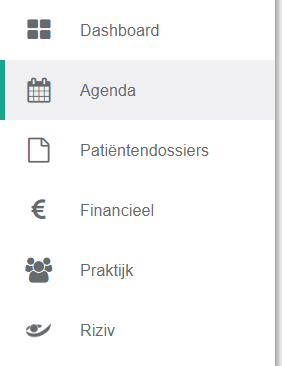
- Click agenda in the left menu bar.
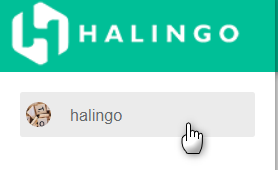
- Click the praktijkselectiemenu (practice selection menu) in the left menu bar.
- Click the name of the practice you want.
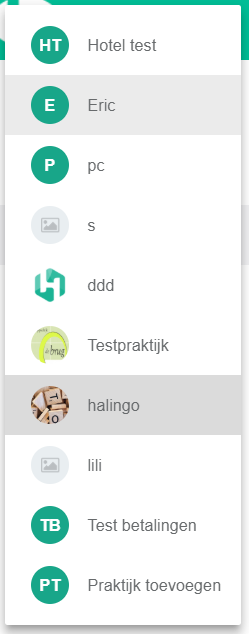
That practice's calendar is now open.
Was dit artikel nuttig?
Nog een vraag?Open een ticket, wij bekijken het samen met u.
Open een ticket