
Set the start and end time of the calendar
Screenshots show the Dutch interface. Menu names and buttons appear here as they appear on screen, in Dutch.
The day view shows a full day by default. You can narrow that range to the hours you actually work.
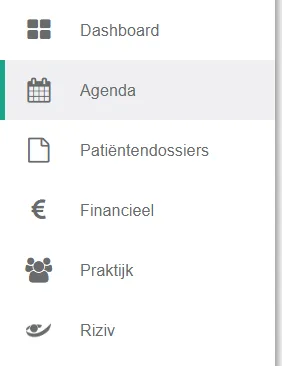
- Click agenda in the left menu bar.
- Click the icon
 .
.
- Select the option "beperk het weergegeven uurbereik voor de dagweergave" (limit the hours shown in the day view).

- Set the start and end time.

Was dit artikel nuttig?
Nog een vraag?Open een ticket, wij bekijken het samen met u.
Open een ticket