
Schedule a private appointment
Schedule a private appointment
Only you can see the content of a private appointment. The practice owner cannot open it.
- Click the slot you want in the calendar.
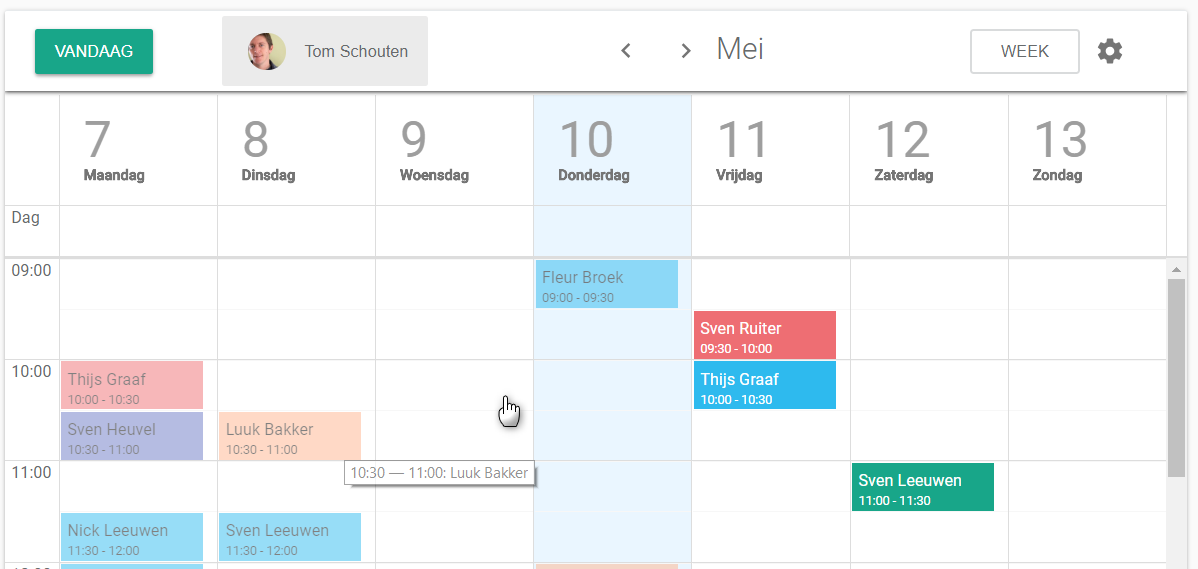
A pop-up window opens.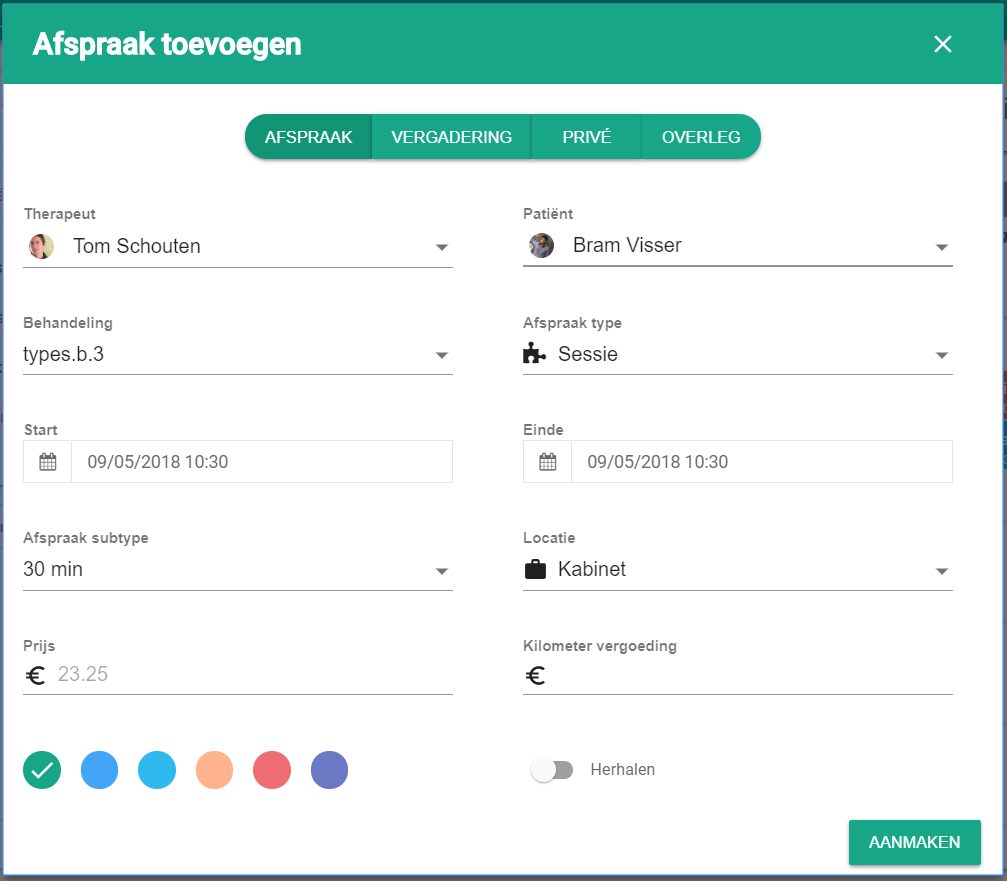
- Click the private tab at the top of the window.

- Fill in the details of the appointment.
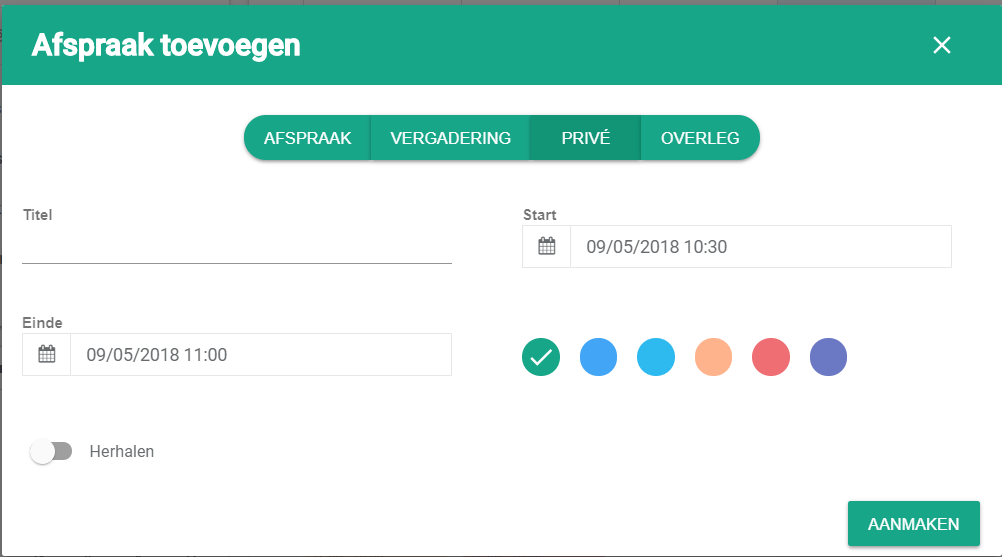
- Click create.

Nog een vraag?Open een ticket, wij bekijken het samen met u.
Open een ticket