
Set the calendar start position
Set the calendar start position
You decide which hour the calendar sits on when you open it.
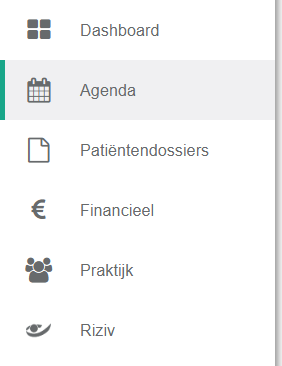
- Click agenda in the left menu bar.
- Click the icon
 .
.
- Select from the menu how you want the calendar view to open.
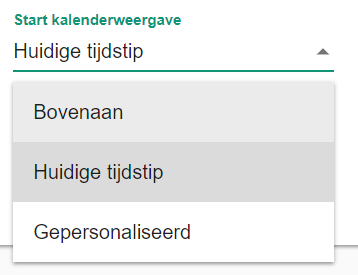
- Top: the calendar opens at the start time you set.
- Current time: the calendar opens at the current time.
- Personalised: the calendar opens at an hour you choose.
Nog een vraag?Open een ticket, wij bekijken het samen met u.
Open een ticket