
Delete all appointments on one day
Screenshots show the Dutch interface. Menu names and buttons appear here as they appear on screen, in Dutch.
You delete every appointment on a single day in one go.
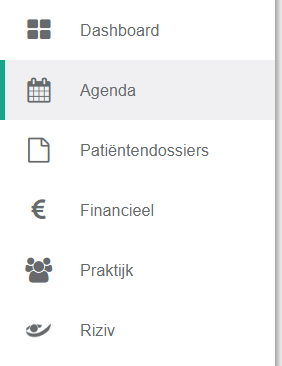
- Click agenda in the left menu bar.
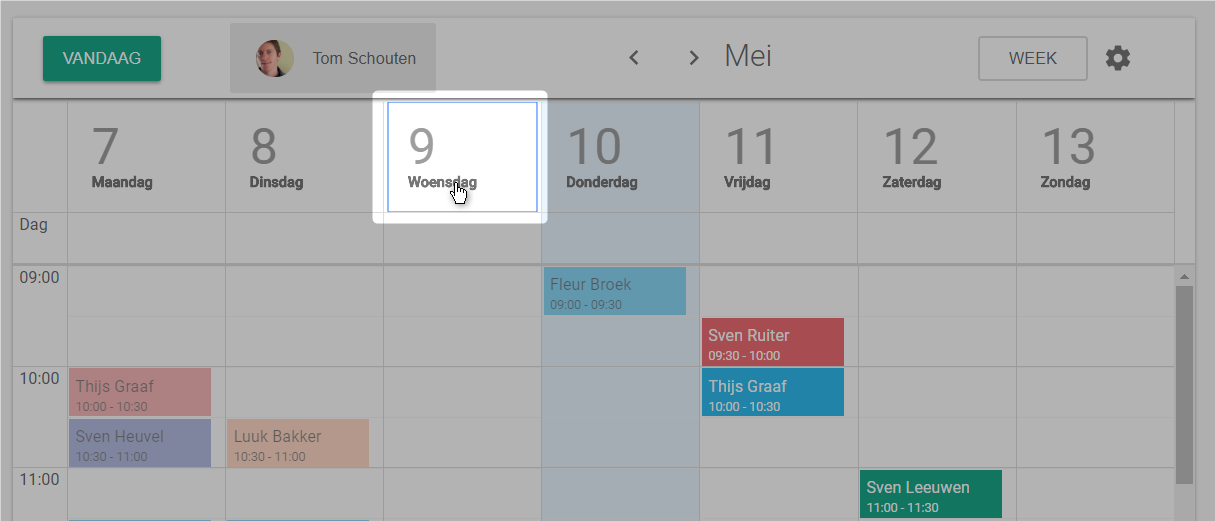
- Click the day whose appointments you want to remove.
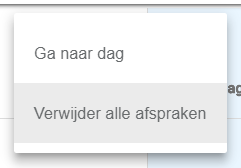
- Click verwijder alle afspraken (delete all appointments).
Nog een vraag?Open een ticket, wij bekijken het samen met u.
Open een ticket