
Repeat an appointment
Repeat an appointment
Recurring appointments go into the calendar by repeating one appointment. You set the period and the number of sessions yourself. The repeat is configured while you create the appointment. See create an appointment.
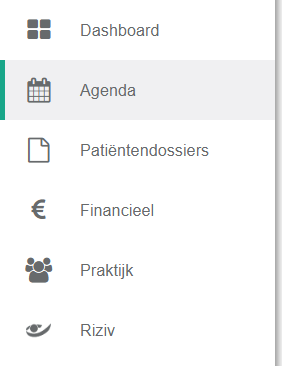
- Click agenda in the left menu bar.
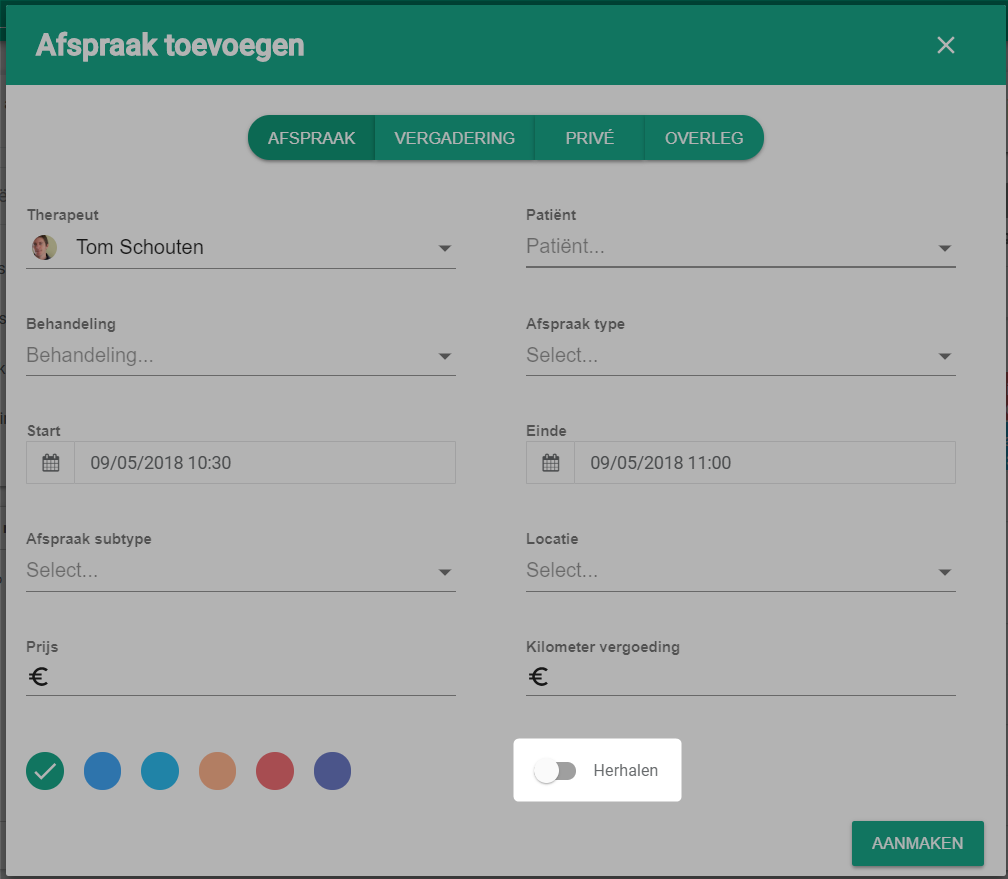
- Select repeat in the appointment window.

Next, choose how the appointment returns: daily, weekly or yearly.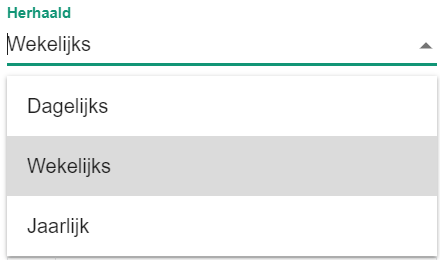
Then select the days on which the appointment returns.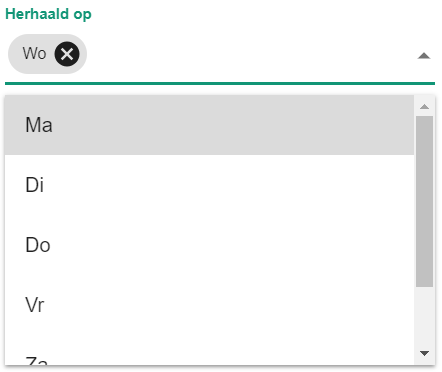
The end type decides whether the series stops on a date or after a set number of sessions.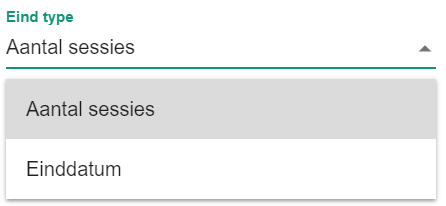
Nog een vraag?Open een ticket, wij bekijken het samen met u.
Open een ticket