
Select the calendar of another practice
Select the calendar of another practice
If you work in two practices, Halingo lets you switch between both calendars. Both practices need to work with Halingo.
- Click agenda in the left menu bar.
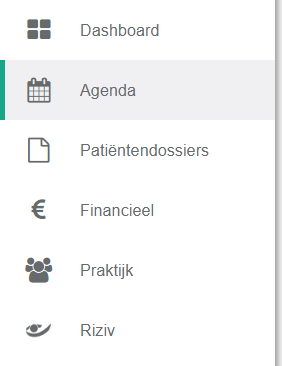
- Click the practice selection menu in the left menu bar.

- Click the name of the practice you want.
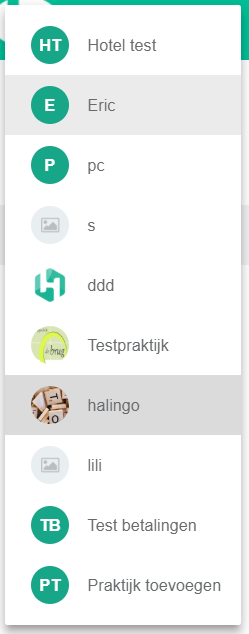
That practice's calendar is now open.
One more question?Open a ticket and we look at it with you.
Open a ticket