
Make a member an administrator or owner
Make a member an administrator or owner
You can make a therapist in your practice an administrator or the owner of the practice.
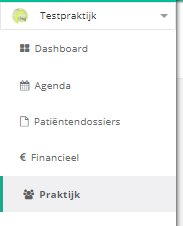
- Click practice in the left menu.
- Click the members button.
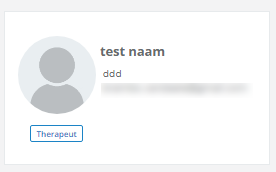
- Click the member to open their member page.
Make a therapist an administrator
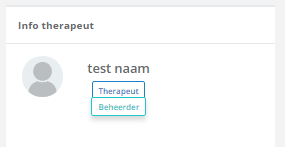
In the therapist info panel, click the current status and choose administrator.
Make a therapist the owner
In the therapist info panel, click the make owner button.
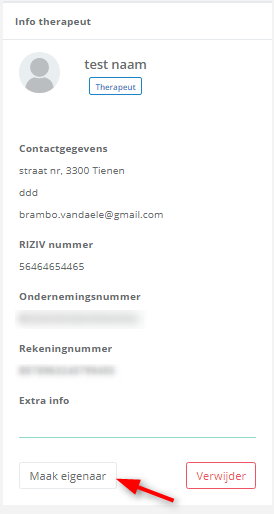
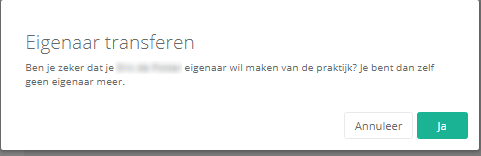
A pop-up appears. Click yes to make the therapist the owner of the practice.
Nog een vraag?Open een ticket, wij bekijken het samen met u.
Open een ticket