
Remove members
Remove members
As the owner or an administrator you remove a member from the practice. There are two routes to the same result.
First route
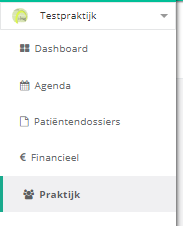
- Click practice in the left menu.
- Click the members button.
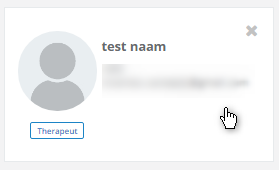
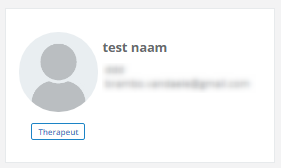
- Hover over the member card.
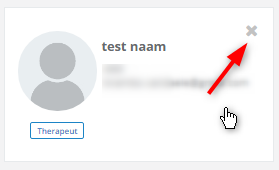
- Click the cross that appears in the top right corner.
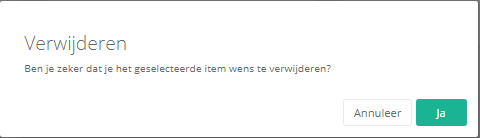
- Click yes to remove the therapist.
Second route
- Click practice in the left menu.
- Click the members button.
- Click the member card of the person you want to remove.
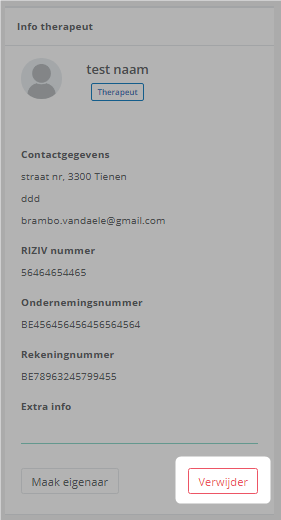
- Under therapist info, click the remove button.

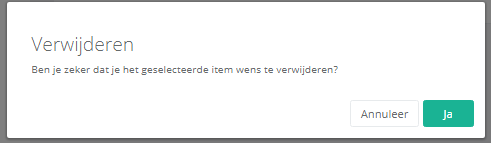
- Click yes to remove the therapist.
Nog een vraag?Open een ticket, wij bekijken het samen met u.
Open een ticket