
Change the billing type
Change the billing type
The billing type decides whose name the amounts are invoiced under: the practice, or each therapist. The setting applies to the whole practice.
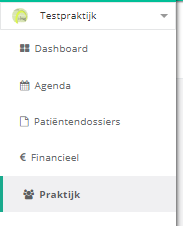
- Click practice in the left menu.
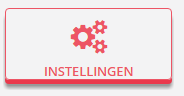
- Click the settings button.
- Select the method you want under billing type.
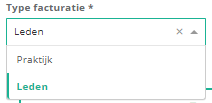
- Members: invoices are issued in the name of each therapist in the practice.
- Practice: invoices are issued in the name of the practice, with the practice account number.
Nog een vraag?Open een ticket, wij bekijken het samen met u.
Open een ticket