
Fill in or change your practice details
Fill in or change your practice details
You edit the details of an existing practice on the practice page. If you have not created a practice yet, read Create a new practice first.
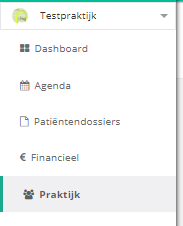
- Click practice in the left menu.
- In the practice info box, click the line you want to fill in or change.
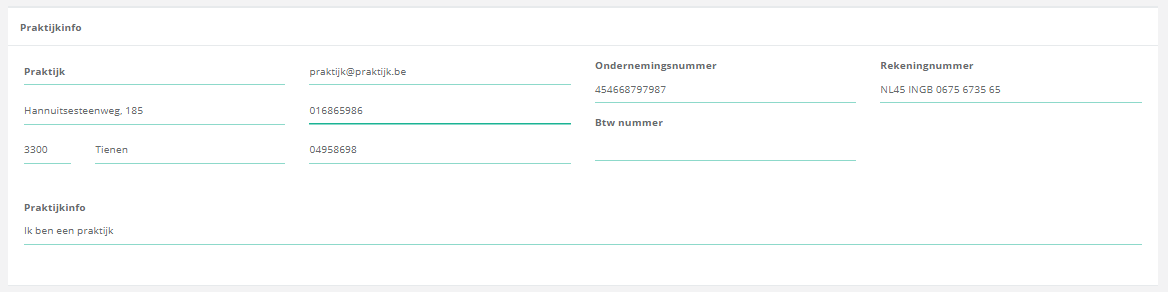
- Type the information you want to store.
Nog een vraag?Open een ticket, wij bekijken het samen met u.
Open een ticket