
Change your invoice template
Change your invoice template
The invoice template applies to the whole practice. Only the practice owner or an administrator can change it.
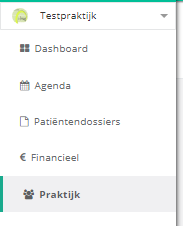
- Click practice in the left menu.
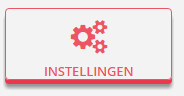
- Click the settings button.
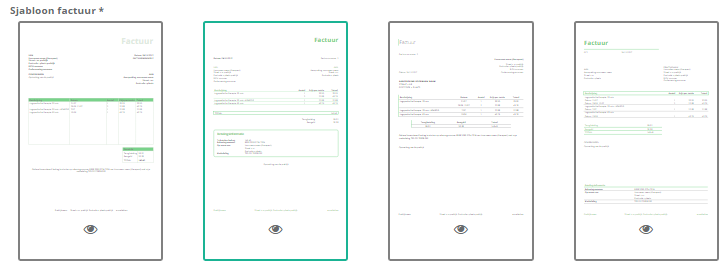
- Click the template you want to use. There are four templates.
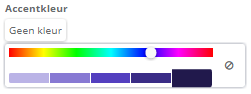
Tip. You change the accent colour by clicking the box with the current colour, or no colour  if none has been picked yet. The slider then sets the colour.
Nog een vraag?Open een ticket, wij bekijken het samen met u.
Open een ticket