
Add or change your practice logo
Screenshots show the Dutch interface. Menu names and buttons appear here as they appear on screen, in Dutch.
You set the practice logo from the practice page. The same steps replace a logo that is already there.
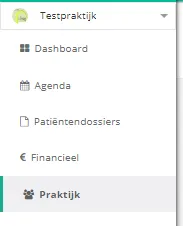
- Click practice in the left menu.
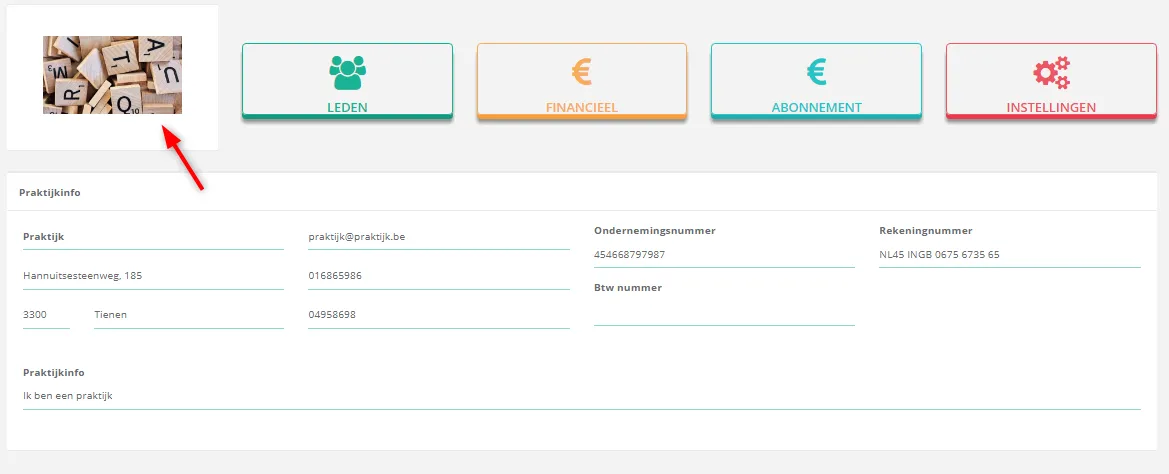
- Click the current logo, or the logo icon if no logo has been uploaded yet. It sits next to the menu buttons on the practice page.
- Drag an image of your logo into the window, or click the upload icon
 to pick a file. A url to an image works too.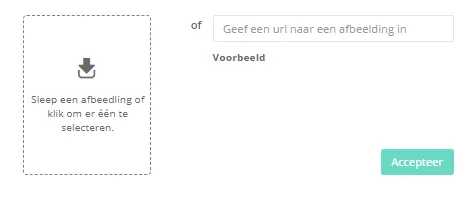
- Crop the image and click crop. To leave it as it is, click skip.
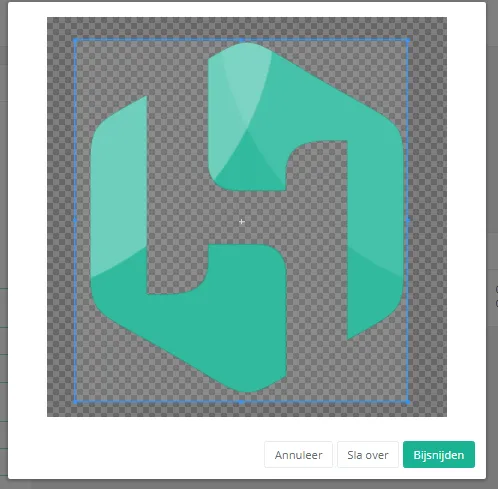
The logo now appears on the practice page.
Was dit artikel nuttig?
Nog een vraag?Open een ticket, wij bekijken het samen met u.
Open een ticket