
Add a member
Add a member
You invite a therapist as a member of your practice. This works as long as you have not reached the maximum number of members on your subscription.
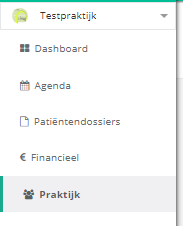
- Click practice in the left menu.
- Click the members button.
- Click the add member button.

- Enter the email address of the therapist you want to add.
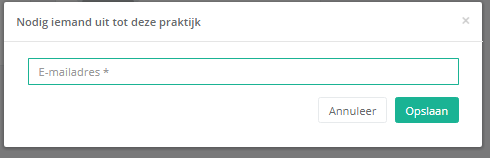
- Click save.

The therapist receives an email with a link to accept the invitation. In the meantime the invited person already appears in the members overview.

Nog een vraag?Open een ticket, wij bekijken het samen met u.
Open een ticket