
Add or change your practice logo
Add or change your practice logo
You set the practice logo from the practice page. The same steps replace a logo that is already there.
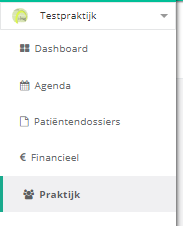
- Click practice in the left menu.
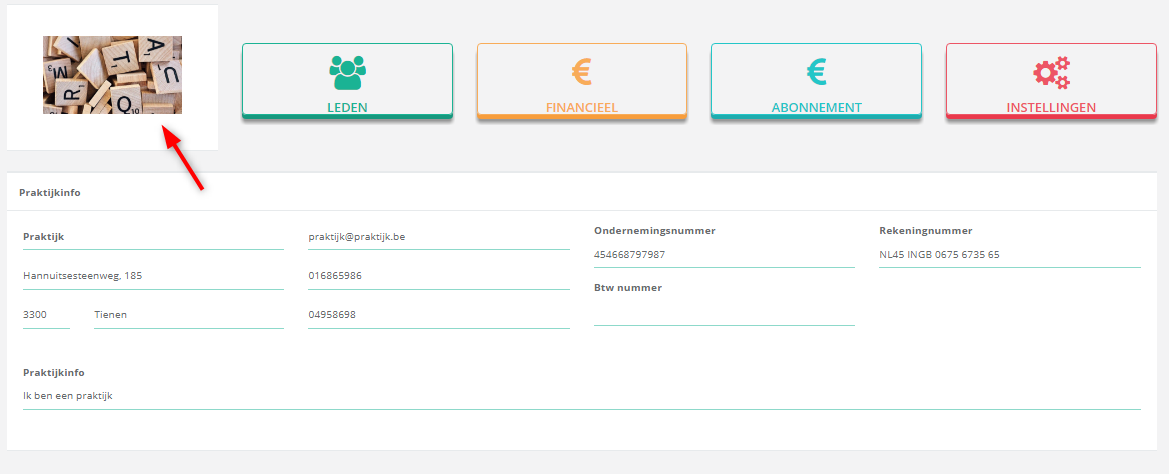
- Click the current logo, or the logo icon if no logo has been uploaded yet. It sits next to the menu buttons on the practice page.
- Drag an image of your logo into the window, or click the upload icon
 to pick a file. A url to an image works too.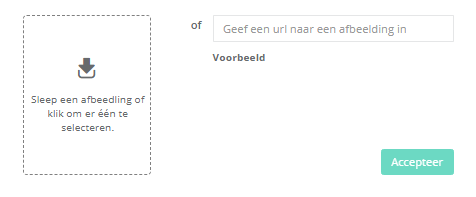
- Crop the image and click crop. To leave it as it is, click skip.
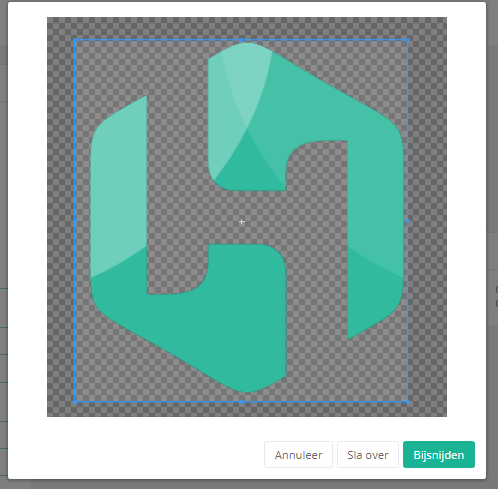
The logo now appears on the practice page.
One more question?Open a ticket and we look at it with you.
Open a ticket