
Add a comment to your invoices
Add a comment to your invoices
A comment on the invoice appears on every invoice the practice issues.
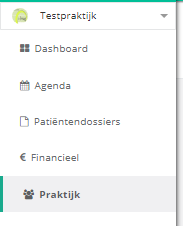
- Click practice in the left menu.
- Click the settings button.
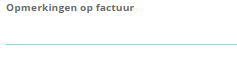
- Click the invoice comments field and type your text.

One more question?Open a ticket and we look at it with you.
Open a ticket