
Downloading an invoice
Downloading an invoice
You download an invoice as a PDF from the overview in Financial.
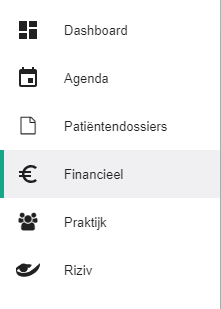
Click Financial in the left-hand menu.
Click the
 icon next to the invoice to open the selection menu.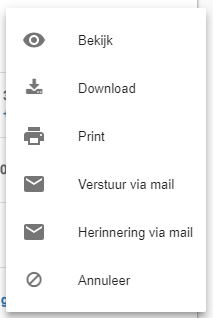
Click Download.

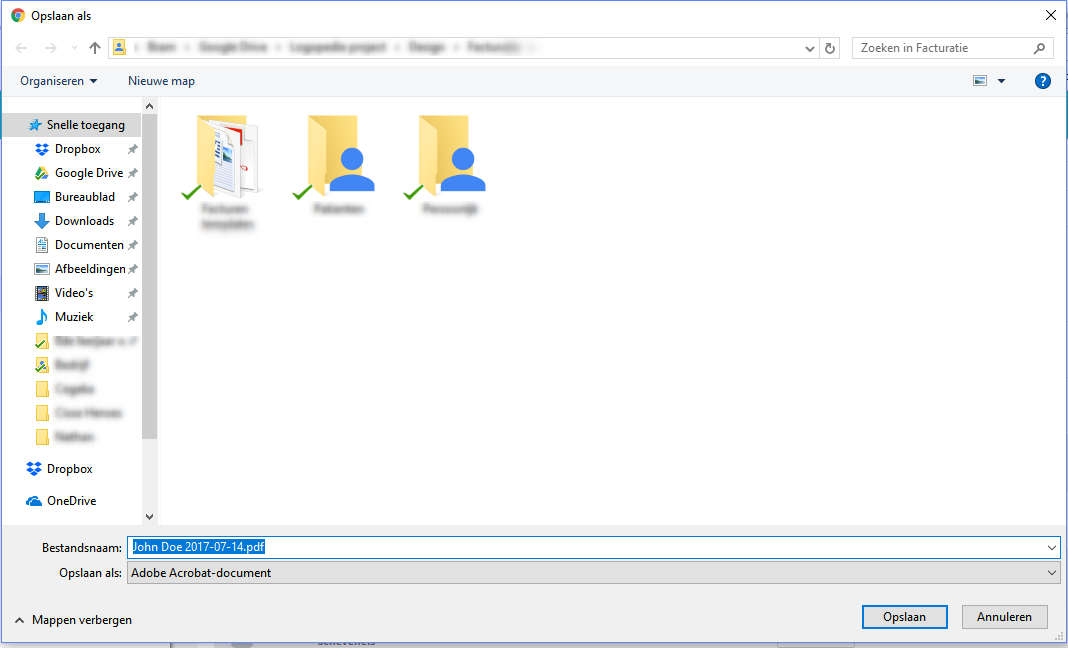
In the window that opens, choose the folder where you want to save the invoice.
Nog een vraag?Open een ticket, wij bekijken het samen met u.
Open een ticket