
Changing the status of an invoice
Changing the status of an invoice
You change an invoice status straight from the overview.
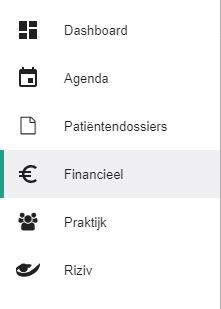
Click Financial in the left-hand menu.
Click the invoice status of the invoice you want to change.

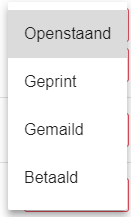
Select the new status.
This works the same way for ordinary invoices, collective statement invoices and commission invoices.
Nog een vraag?Open een ticket, wij bekijken het samen met u.
Open een ticket