
Printing invoices for a date range
Printing invoices for a date range
All invoices from a given period can be printed in one go.
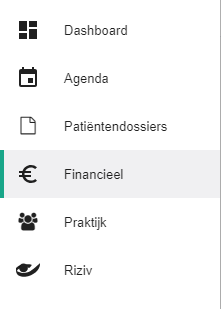
Click Financial in the left-hand menu.
Go to the Invoices tab.

Click the
 button.
Select the date range of the invoices you want to print.
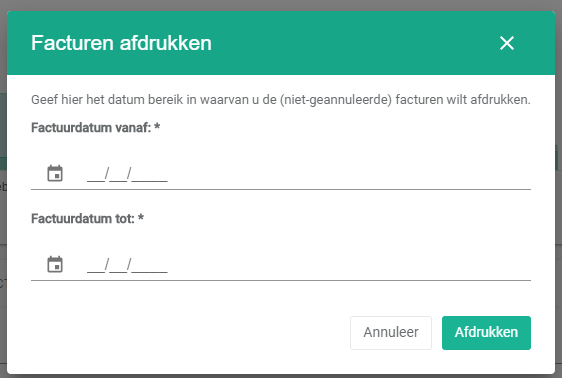
Click Print.

A window opens with a preview of the invoices.
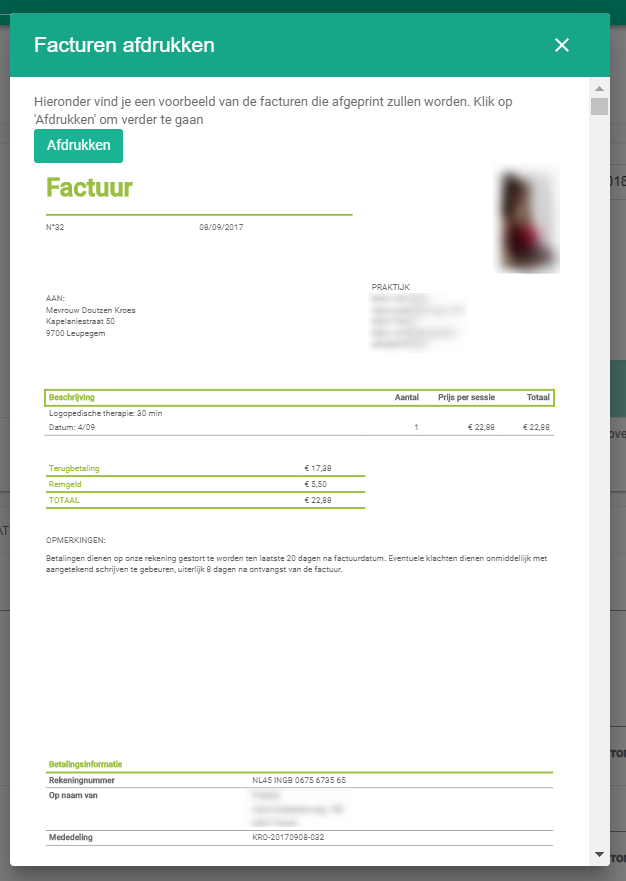
Click Print.
Nog een vraag?Open een ticket, wij bekijken het samen met u.
Open een ticket