
Deleting a commission
Deleting a commission
A generated commission can be deleted as long as it is still open.
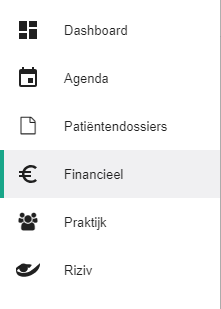
Click Financial in the left-hand menu.
Select the therapist whose commission you want to manage, or select the practice to see all therapists together.

Go to the Commission tab.

Click the icon
 next to the commission you want to delete.
This only works while the commission status is open.
Nog een vraag?Open een ticket, wij bekijken het samen met u.
Open een ticket