
Creating an invoice
Creating an invoice
You invoice your patients' outstanding sessions from the Invoices tab. Halingo always creates one invoice per patient.
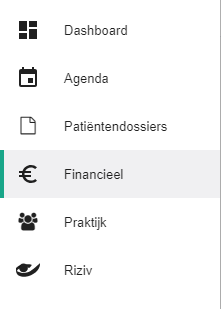
Click Financial in the left-hand menu.
Open the Invoices tab.

Click the
 button.
Select the sessions you want to invoice.
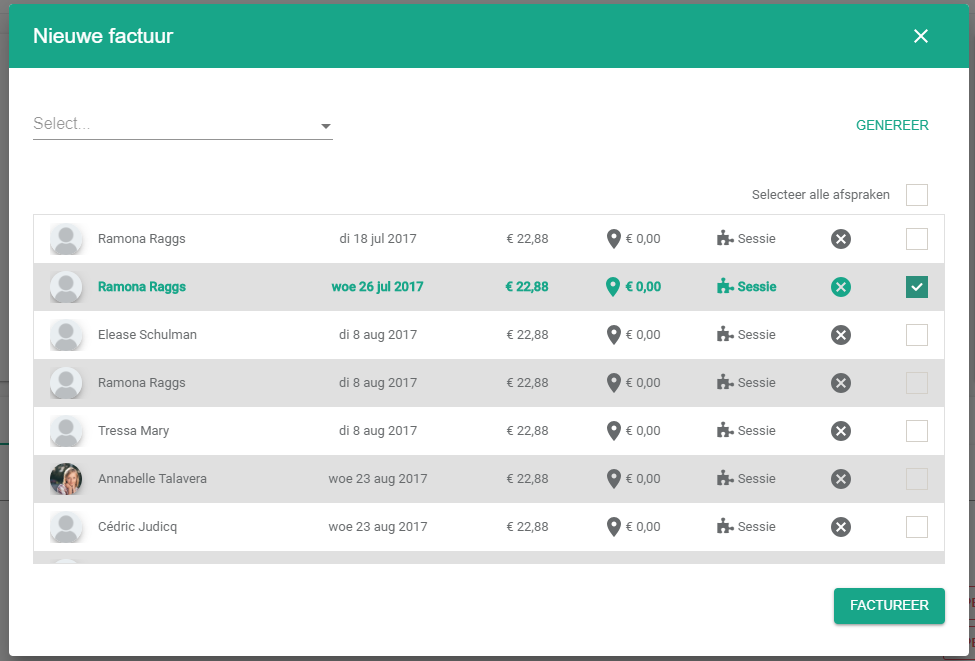
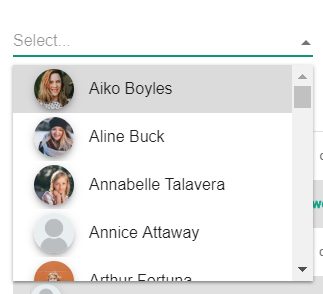
The selection field filters the outstanding sessions by patient.
Once you have filtered by patient, tick Select all appointments to take every outstanding session in one click.

Click Invoice. Halingo creates the invoices for the selected sessions, one per patient.
Tip
Tick all appointments without filtering and you invoice every outstanding session at once.
Nog een vraag?Open een ticket, wij bekijken het samen met u.
Open een ticket