
Creating a third-party payer statement
Creating a third-party payer statement
You draw up the collective statement (verzamelstaat) for patients covered by the third-party payer scheme, where the health insurance fund pays you directly. Check these conditions first:
- In the patient file, the third-party payer box (3de betaler) is ticked under reimbursement.
- A health insurance fund is selected in the patient file.
- The CG1 or CG2 code is filled in. You find this code on the sticker issued by the health insurance fund.
- The INSZ number (the Belgian national social security number) is filled in.
- The patient's invoice has been created.
- The patient's certificate of care has been created and the third-party payer component has the status outstanding.
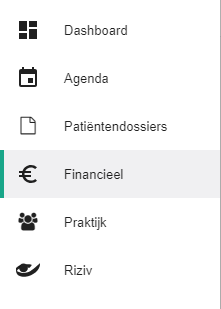
Click Financial in the left-hand menu.
Check that the invoice for these patients already exists. You create it the same way as any other invoice. See creating an invoice.

Check that the certificate of care exists. Its number has to appear on the statement. See creating a certificate of care.

Click the Collective statement invoices tab.

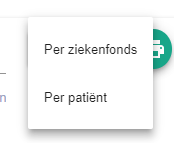
Click the Generate invoices button.

Choose whether to generate the statement per patient or per health insurance fund.
Halingo then draws up the collective statement invoice for you.

Nog een vraag?Open een ticket, wij bekijken het samen met u.
Open een ticket