
Creating a certificate of care
Creating a certificate of care
A certificate of care (getuigschrift, attestation de soins) always belongs to an existing invoice, so create the invoice first. This article covers practices that work with pre-printed booklets. Printing a certificate is covered in a separate article.
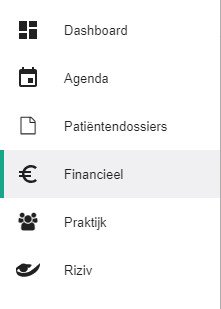
Click Financial in the left-hand menu.
Click the
 icon next to the invoice to create the certificate.
Note. If you see the
 icon instead, Halingo could not generate the certificate. The reimbursement details in the patient file are incomplete.
Halingo fills in the certificate number automatically. You can still edit these details.
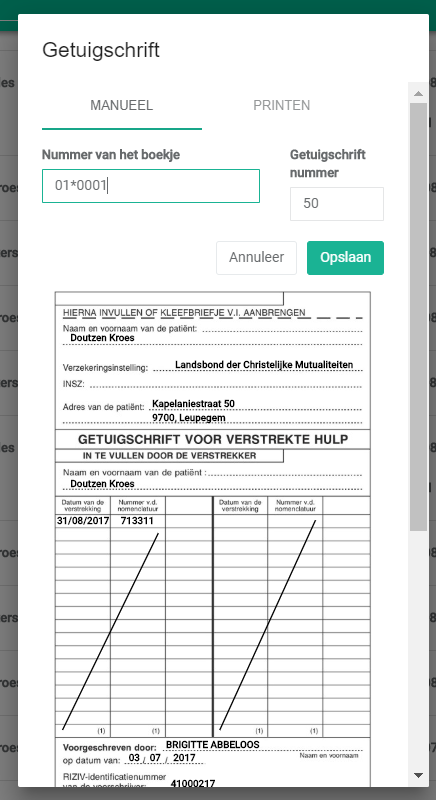
Click Save to validate the certificate.

After saving, the certificate number appears with the invoice details.

Nog een vraag?Open een ticket, wij bekijken het samen met u.
Open een ticket