
Mark a therapy goal as achieved
Screenshots show the Dutch interface. Menu names and buttons appear here as they appear on screen, in Dutch.
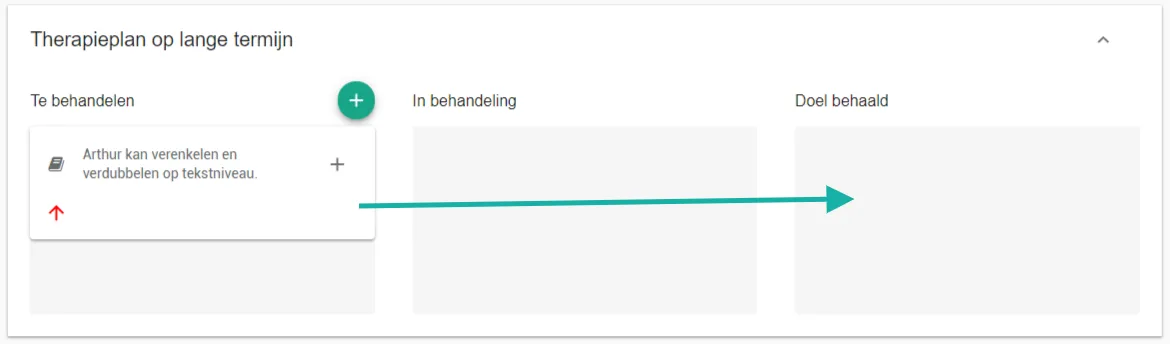
In the long-term therapy plan you drag a goal into the doel behaald (goal achieved) box once the patient has reached it. What is finished stays visible.
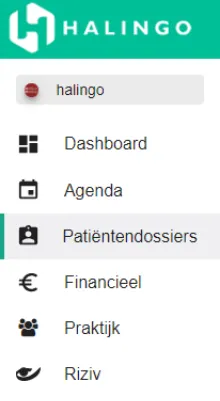
Click patiëntendossiers (patient dossiers) in the left-hand menu.
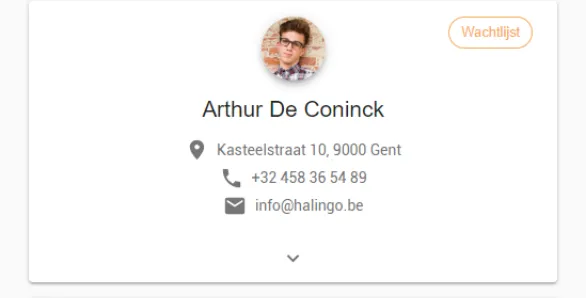
Click the patient’s name.
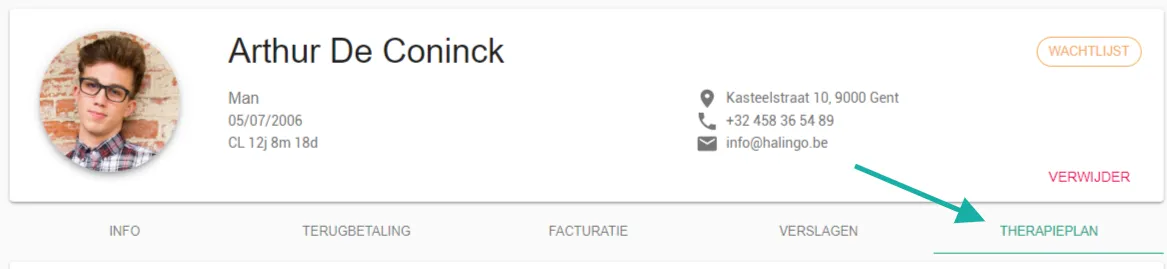
Open the therapieplan (therapy plan) tab.
Go to the therapieplan lange termijn (long-term therapy plan) section.
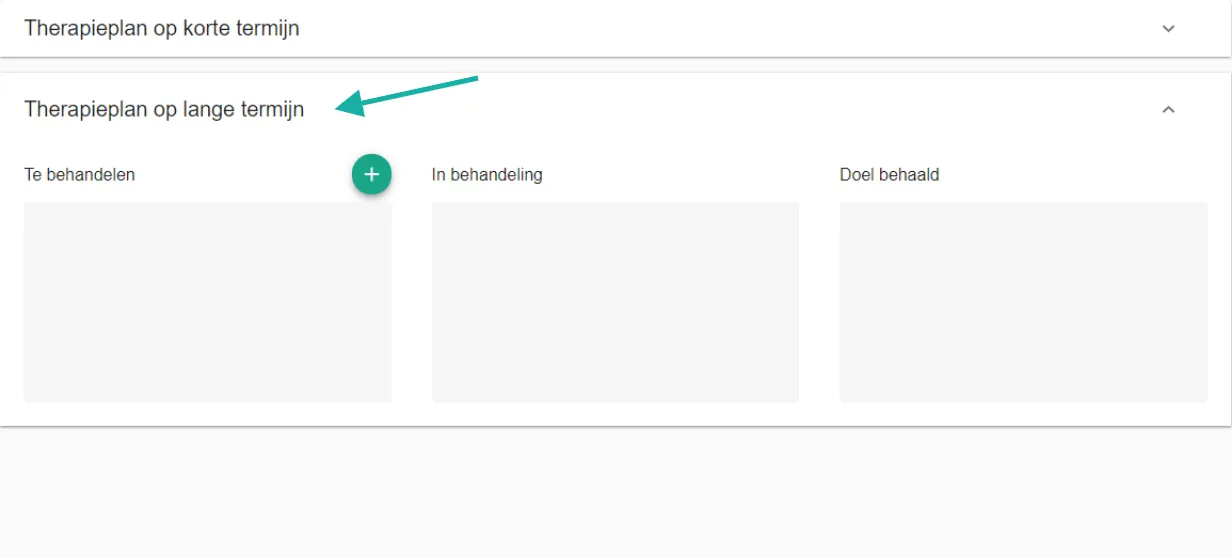
Drag the goal into the doel behaald box.
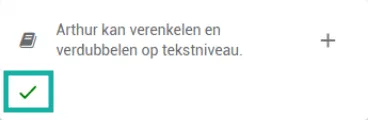
The tick shows that the goal has been achieved.
Was this article helpful?
One more question?Open a ticket and we will look at it with you.
Open a ticket