
Search for a patient file
Search for a patient file
You search for a patient file by name and narrow the list with the filters.
Click patient files in the left-hand menu.

Type the patient's name in the search bar.

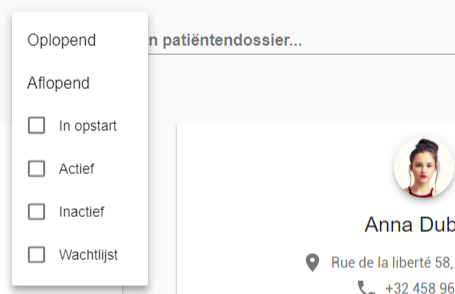
The filters narrow the result.
- Sort patients in ascending or descending alphabetical order.
- Filter on the patient's status: active, inactive or waiting list.
Tip
The search bar at the top, in the navigation bar, also searches your patient files.

One more question?Open a ticket and we look at it with you.
Open a ticket