
Email log of sent invoices and reminders
Email log of sent invoices and reminders
Overview
Halingo keeps an email log in the patient dossier. Use it to check:
- whether a patient received the invoice email,
- whether the reminder email went out correctly.
You know quickly whether your message arrived, and payment issues with patients get sorted sooner.
Where to find the email log
Go to the patient dossiers menu.
Open a dossier.
Click the emails tab.
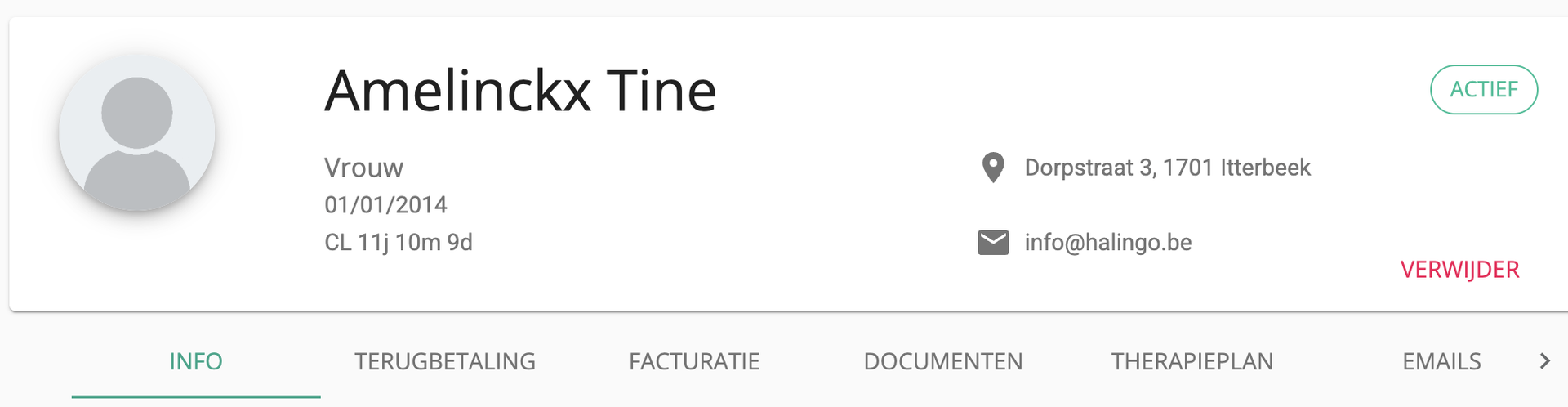
You see a chronological list of every email sent.
What the email log shows
For each message the log shows:
- Status
- Email type (invoice, payment reminder, and so on)
- Recipient (the patient's email address)
- Date and time of sending
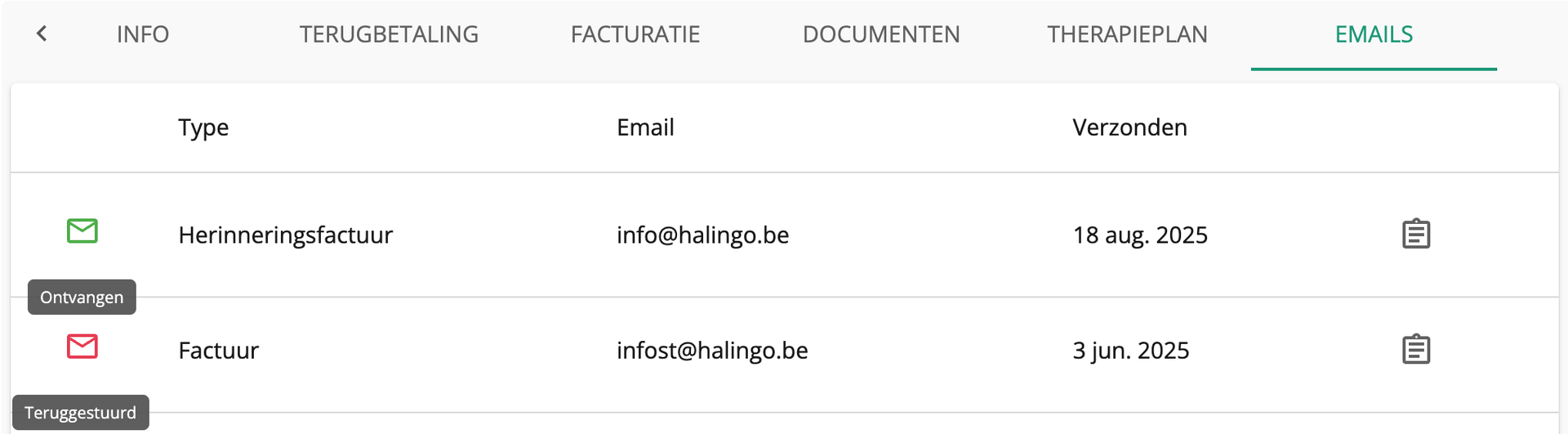
Did the patient receive the email or reminder
Open the patient dossier, go to emails and check the status:
- Green envelope: the patient received the email in their mailbox.
- Red envelope: the email did not arrive. The address is wrong, halingo.be is blocked, or the mailbox is full.
You see the status bounced
The most common causes:
| Error | Meaning | Fix |
|---|---|---|
| Mailbox full | The patient's mailbox is full | The patient frees up space |
| Invalid address | Invalid email address | Check the spelling in the patient profile |
| Blocked / Rejected | The patient's mail server refuses the email | Ask the patient to allow no-reply@halingo.be or the halingo.be domain in their mail program |
Wrong or new email address
Update the email address in the patient profile. Then send the invoice again.
Nog een vraag?Open een ticket, wij bekijken het samen met u.
Open een ticket