
Search for a patient file
Search for a patient file
You search for a patient file by name and narrow the list with the filters.
Click patient files in the left-hand menu.

Type the patient's name in the search bar.

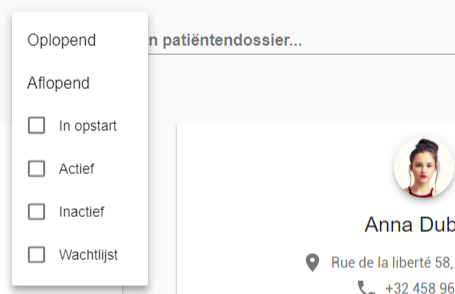
The filters narrow the result.
- Sort patients in ascending or descending alphabetical order.
- Filter on the patient's status: active, inactive or waiting list.
Tip
The search bar at the top, in the navigation bar, also searches your patient files.

Nog een vraag?Open een ticket, wij bekijken het samen met u.
Open een ticket