
Add a reimbursement
Add a reimbursement
In the reimbursement tab you record which reimbursement your patient falls under. After that you can change the status of the reimbursement or add a bilan, the assessment report that belongs to the reimbursement.
Click patient files in the left-hand menu.

Click the patient file you want to add the reimbursement details to.

Go to the reimbursement tab.

Click the add reimbursement button.

State the speech and language disorder.

Select the reimbursement type.
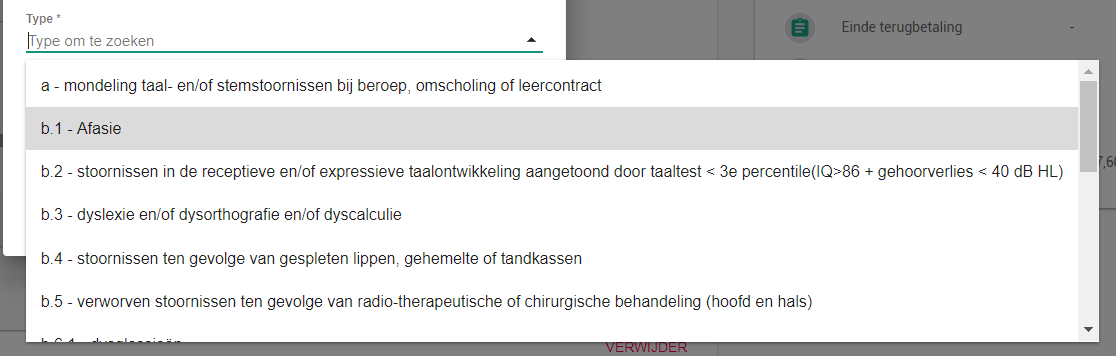
This is where you record the type your patient falls under, type C2 for example. If the reimbursement does not fall under the compulsory insurance, pick the supplementary insurance instead.
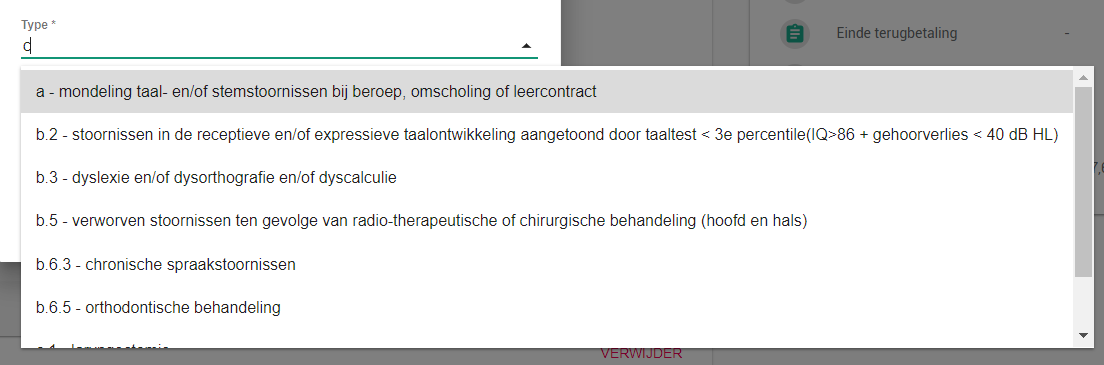
Tip: click the dropdown and type the first letter of the type. The type you need then moves up the list.
Tick the bilan.

Click the add button.

Fill in the remaining details afterwards to complete the reimbursement.