
Add a bilan
Add a bilan
Inside a reimbursement you add an evolution bilan, the progress report, to fill in the assessment data for that reimbursement. Writing the report itself is not covered here.
Click patient files in the left-hand menu and open the file you need.

Go to the reimbursement tab.

Click the
 icon next to the existing initial bilan.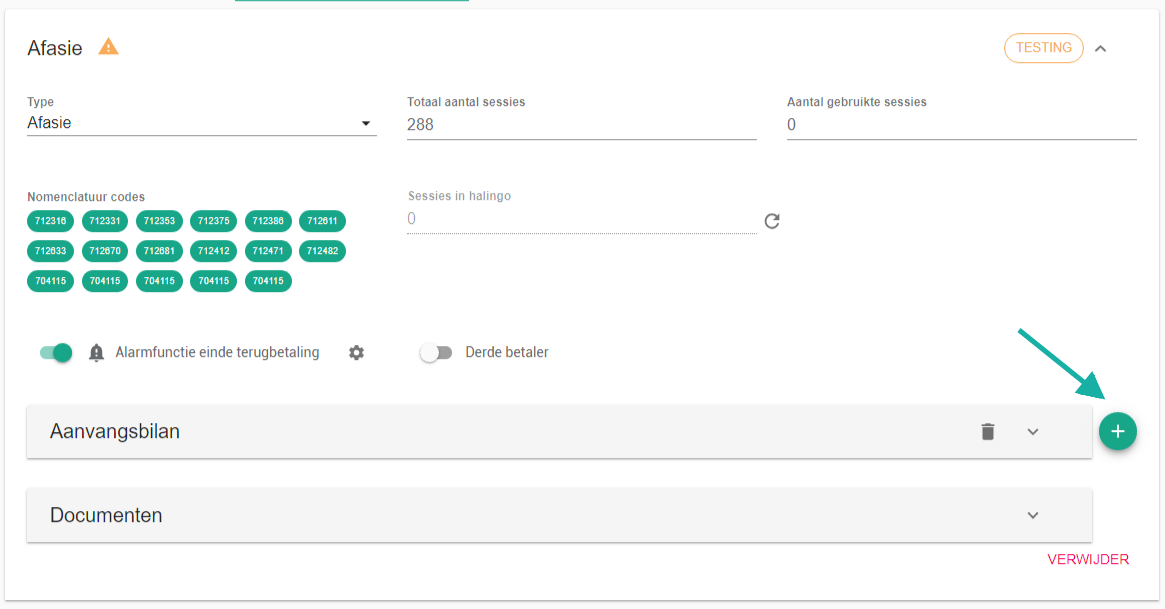
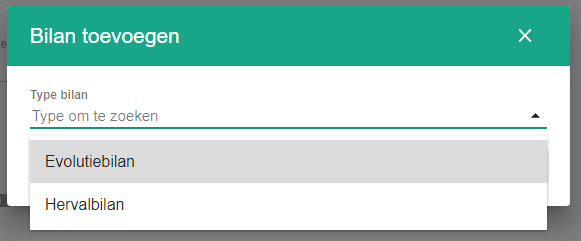
Select the bilan type. If an initial bilan already exists, that type can no longer be selected.
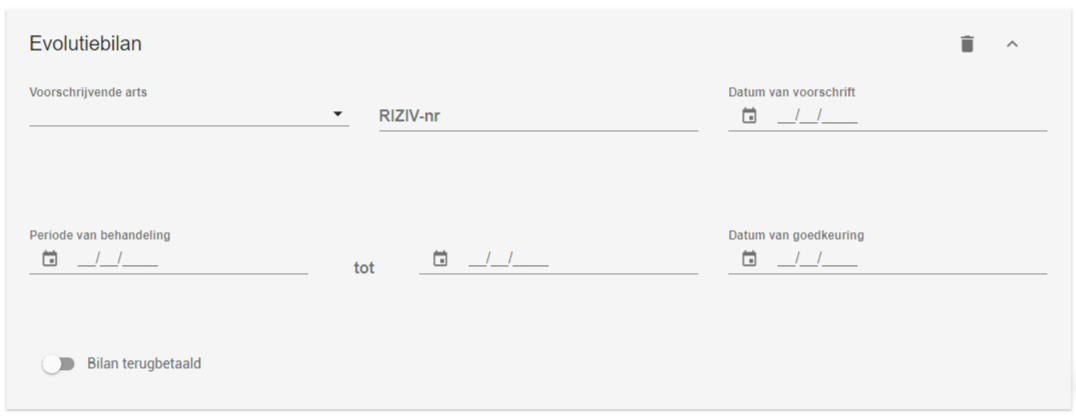
Fill in the details of the evolution bilan.
One more question?Open a ticket and we look at it with you.
Open a ticket