
Add a patient
Add a patient
A new patient gets a file of their own. First name and surname are enough to create it.
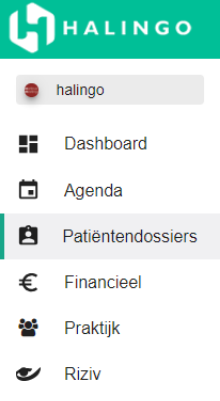
Click patient files in the left-hand menu.
Click the plus icon next to the search bar.

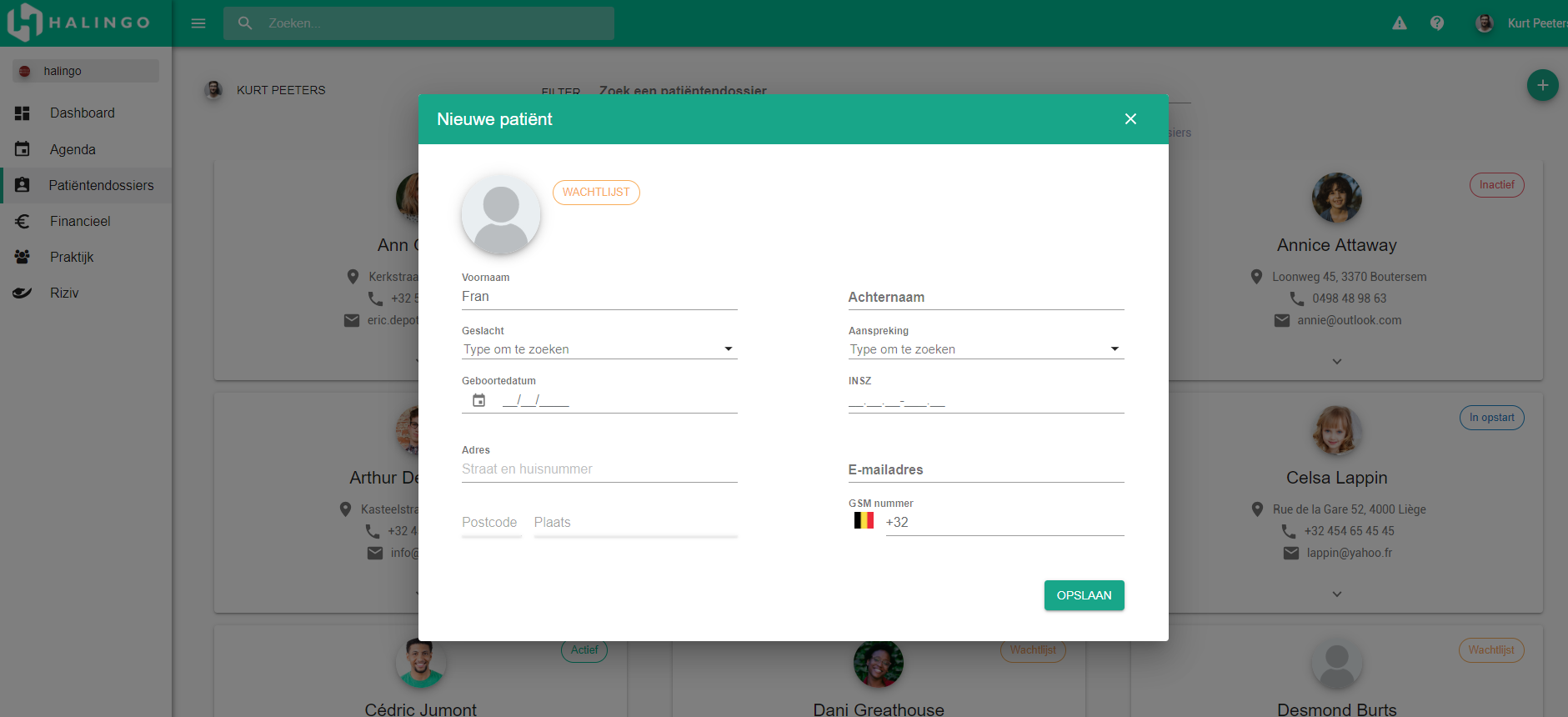
Fill in the patient's details. First name and surname are required.
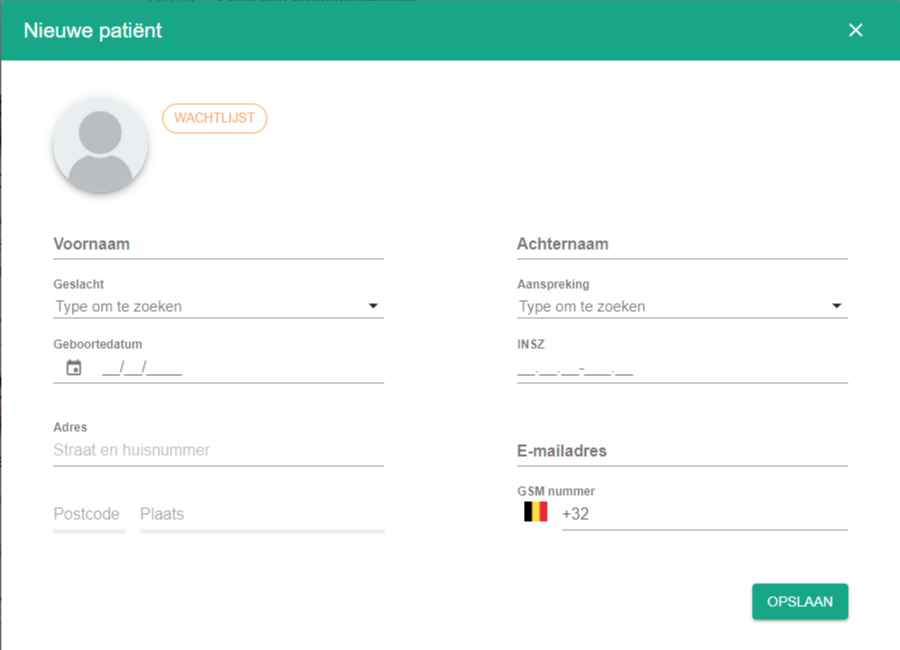
Click the save button.

Tip
You can also create a patient from the agenda, at the moment you schedule a first appointment.
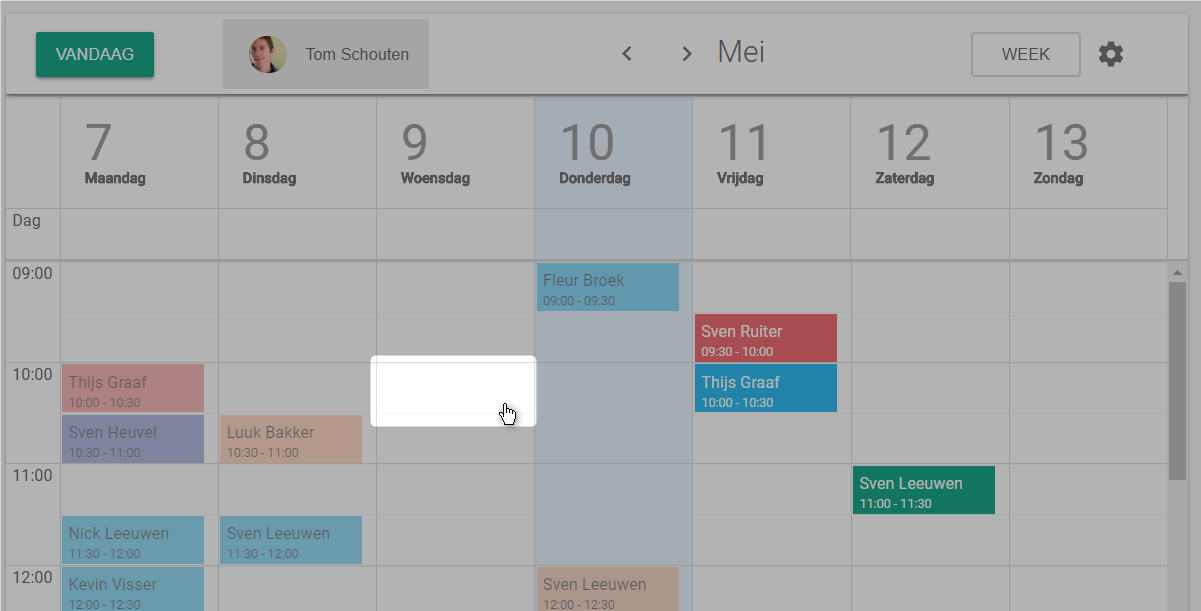
Click the slot in the agenda where you want the appointment.
Select the patient field.
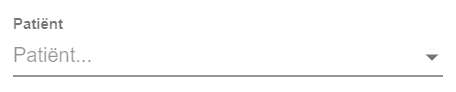
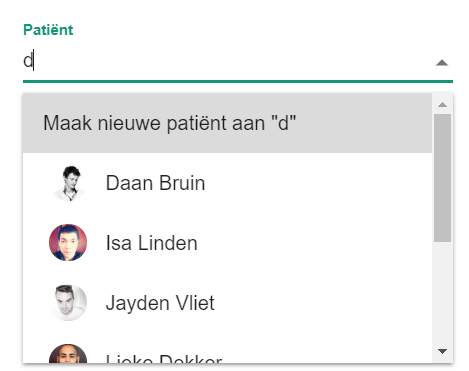
Type the patient's name.
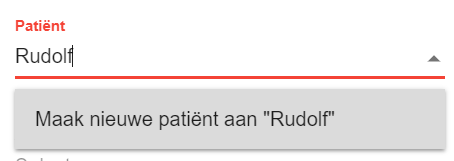
Click Create new patient, followed by the name you typed.
Fill in the fields marked with an asterisk.
One more question?Open a ticket and we look at it with you.
Open a ticket