
Delete a therapy goal
Screenshots show the Dutch interface. Menu names and buttons appear here as they appear on screen, in Dutch.
A goal is deleted from its detail window in the long-term therapy plan. Deleting is permanent.
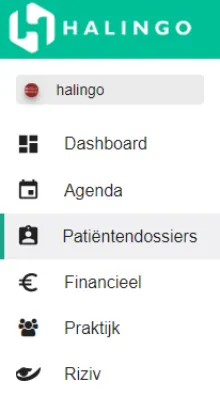
Click patiëntendossiers (patient dossiers) in the left-hand menu.
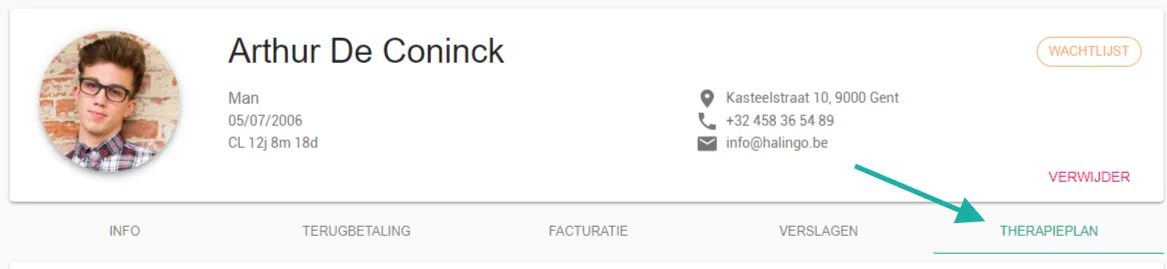
Click the patient’s name.

Open the therapieplan (therapy plan) tab.
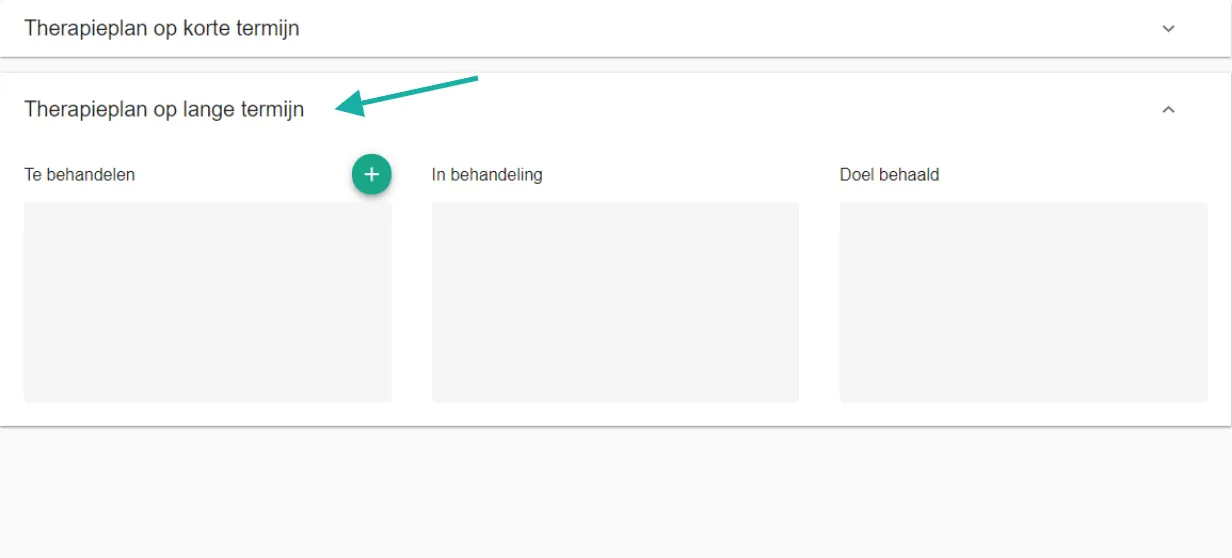
Go to the therapieplan lange termijn (long-term therapy plan) section.
Click the goal you want to delete. Its detail window opens.
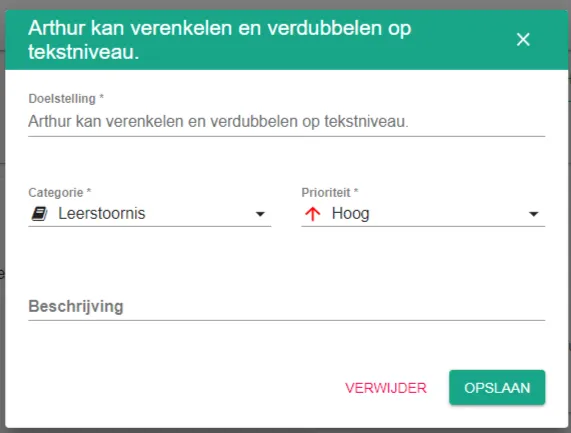
Click delete.

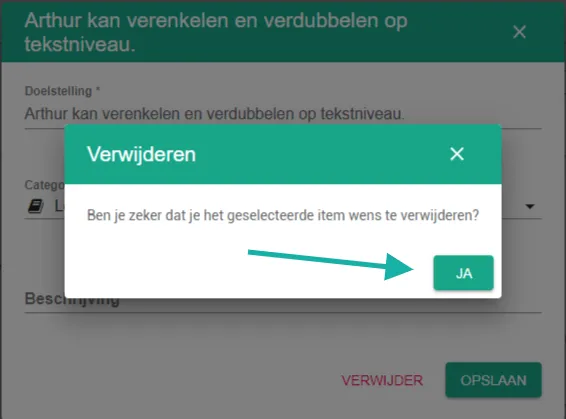
Click yes to delete the goal for good.
Was this article helpful?
One more question?Open a ticket and we will look at it with you.
Open a ticket