
Printing an invoice
Printing an invoice
You print an invoice straight from Halingo. You can also download the invoice first and print it from your PDF reader.
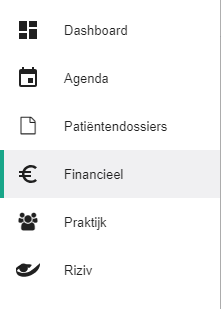
Click Financial in the left-hand menu.
Click the
 icon next to the invoice to open the selection menu.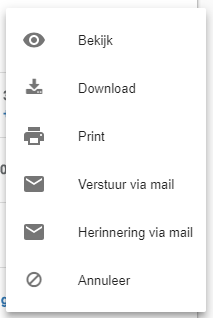
Click Print.

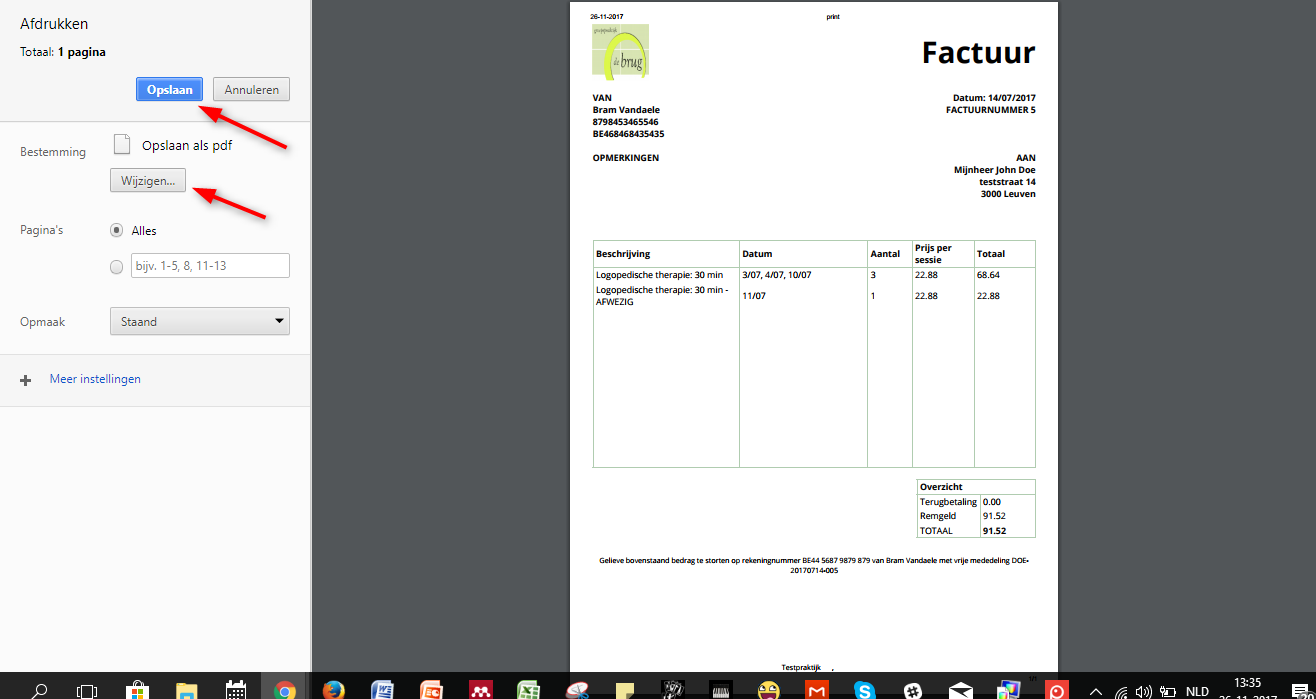
In the print window, choose your printer and send the invoice to print.
One more question?Open a ticket and we look at it with you.
Open a ticket