
Add teacher details
Add teacher details
If your patient is at school, you can record the school and the teacher in the file.
Click patient files in the left-hand menu.

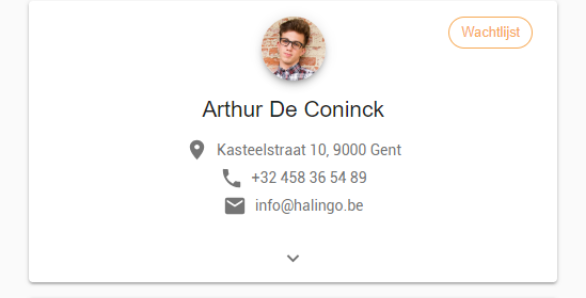
Click the patient file you want to add teacher details to.
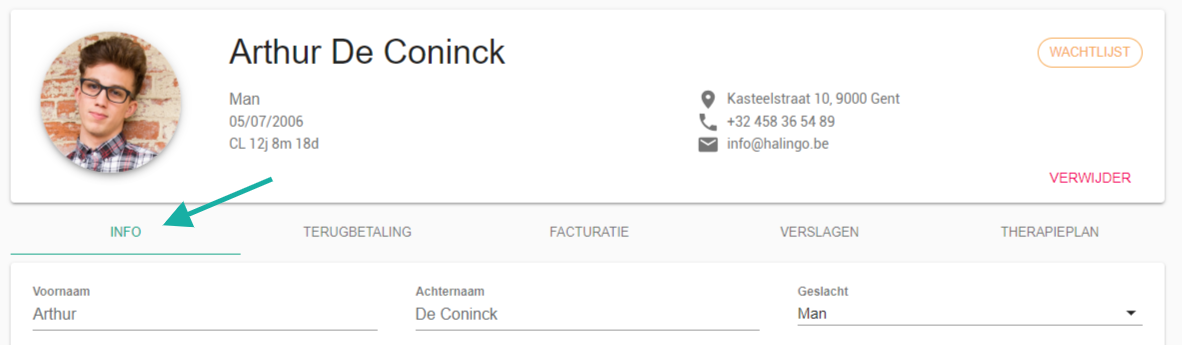
Go to the info tab.
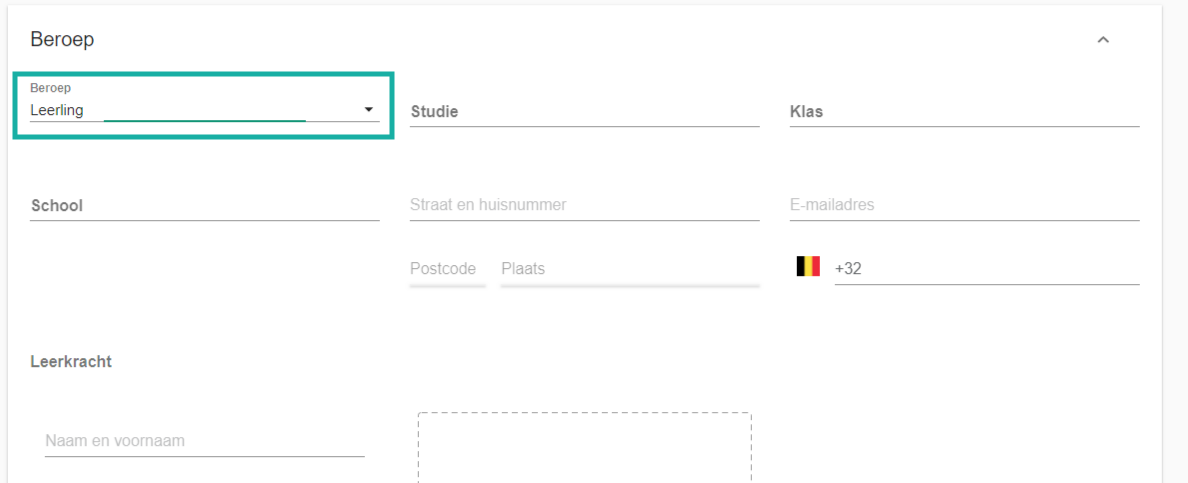
Under occupation, select the value pupil.
Fill in the teacher's details.
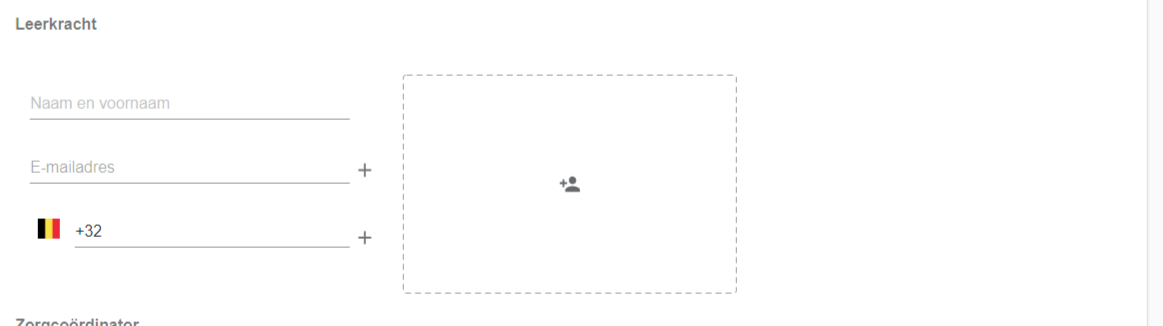
The
 icon in the box adds a second teacher, which helps when the class has two form teachers.
Nog een vraag?Open een ticket, wij bekijken het samen met u.
Open een ticket