
Add a contact person
Add a contact person
The contact person is whoever you call or write to about this patient, usually a parent or a partner. You record them in the info tab.
Click patient files in the left-hand menu.

Click the patient file you want to add a contact person to.
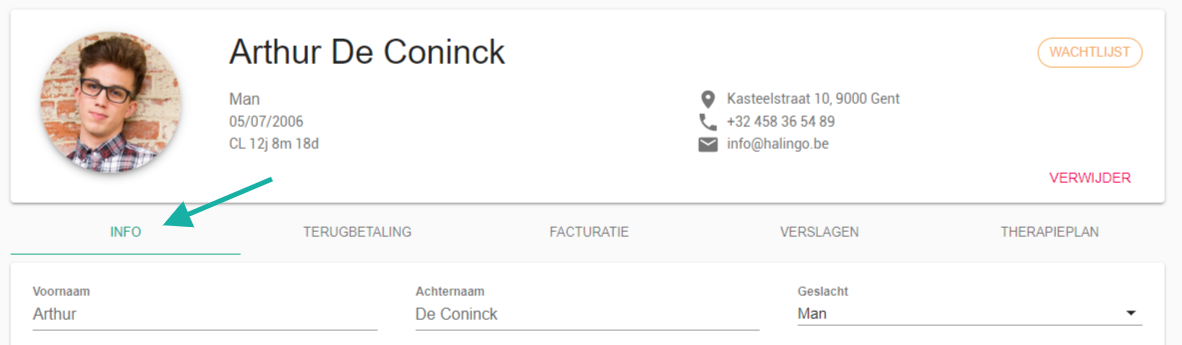
Go to the info tab.
Go to the contact persons section.

Fill in the contact details.
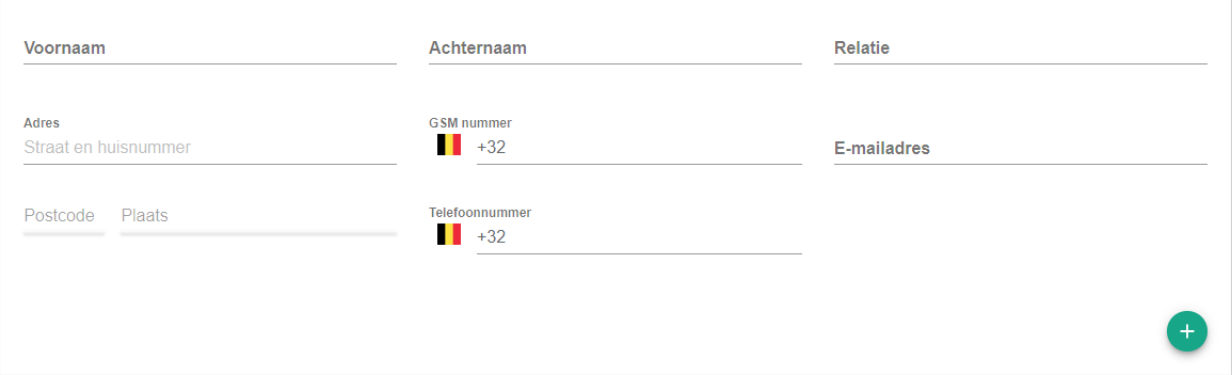
For an extra contact person, click the
 icon.
icon.Click the add button.

Nog een vraag?Open een ticket, wij bekijken het samen met u.
Open een ticket