
Change the status of a reimbursement
Change the status of a reimbursement
Every reimbursement has a status: approved, refused, submitted or testing. That way you can see where each reimbursement stands.
Click patient files in the left-hand menu and open the file you need.

Go to the reimbursement tab.

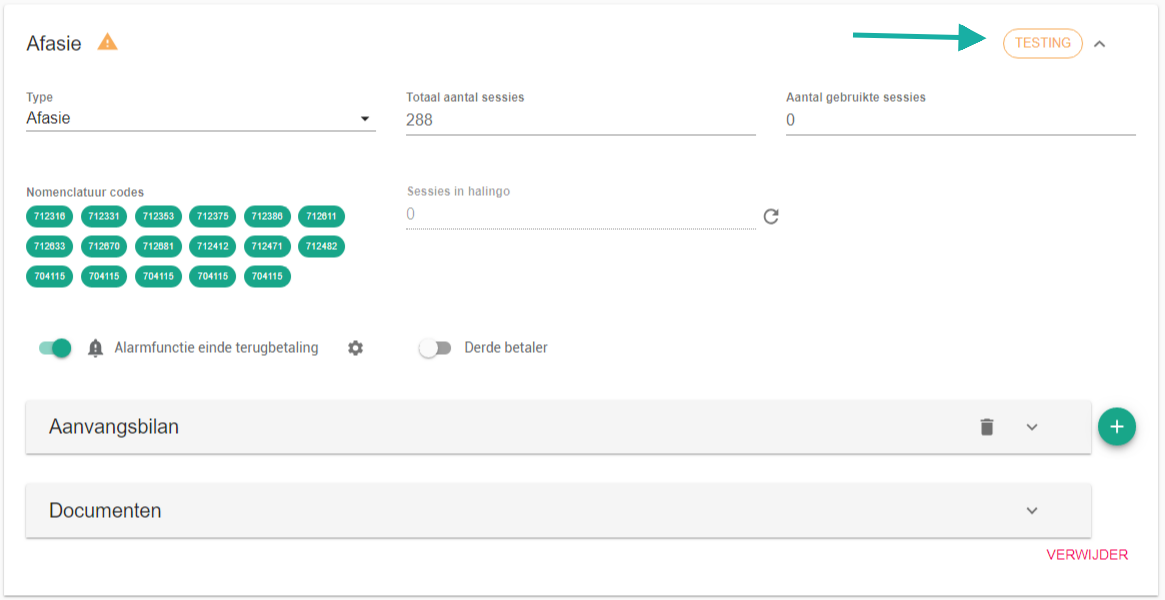
Under status, click the current status next to the name of the treatment.
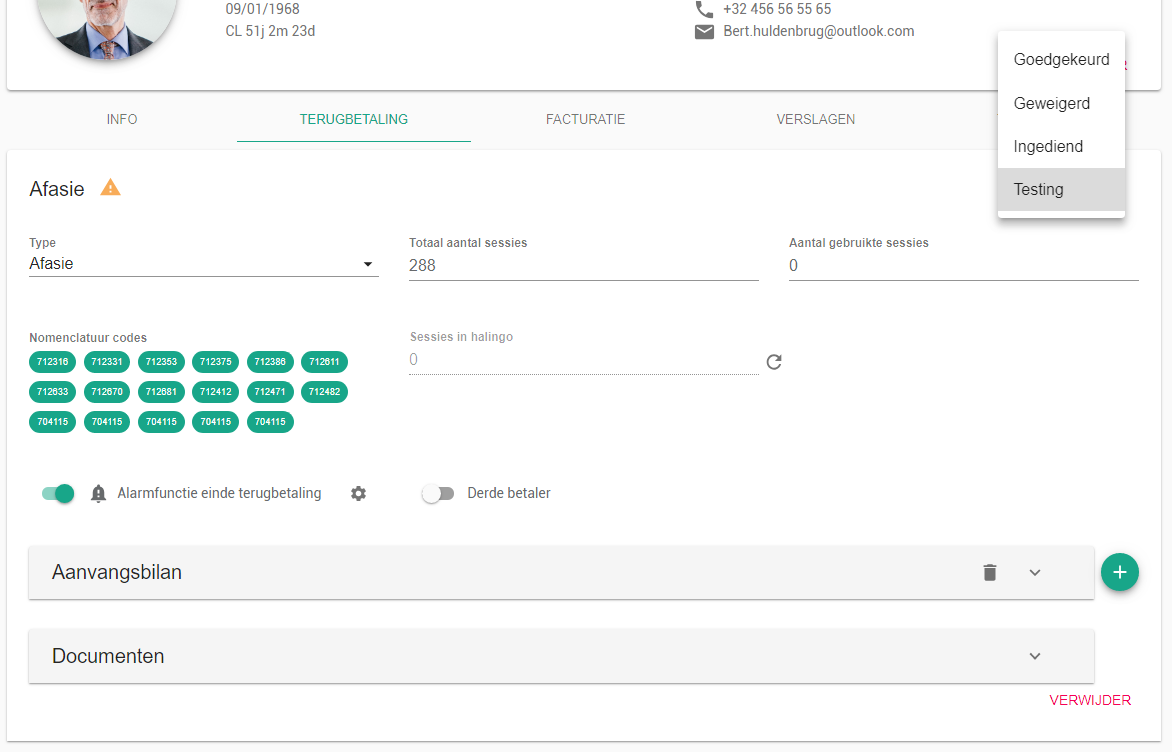
Click the status you want to set.
Nog een vraag?Open een ticket, wij bekijken het samen met u.
Open een ticket