
Can I look up a health insurance fund by number?
Screenshots show the Dutch interface. Menu names and buttons appear here as they appear on screen, in Dutch.
Yes. In the patient file, type the number of the ziekenfonds (the Belgian health insurance fund a patient is a member of) in the selection box. Halingo then picks the right one.
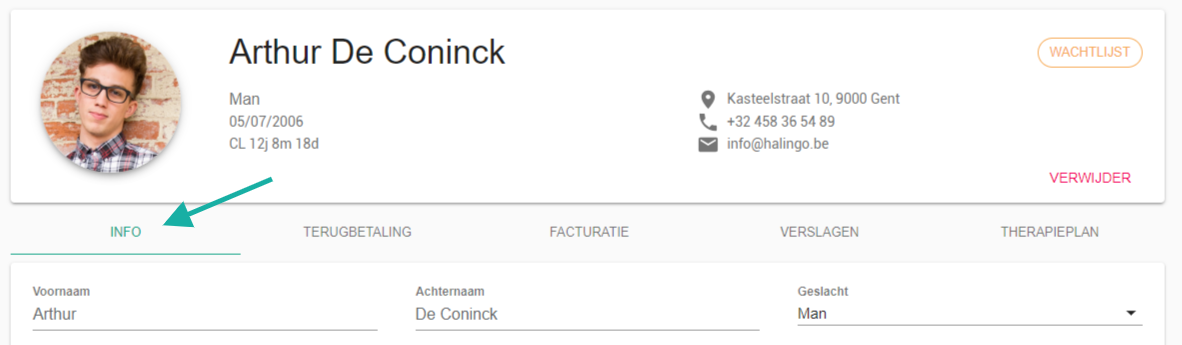
- Select the info tab and go to the medische info (medical info) section.

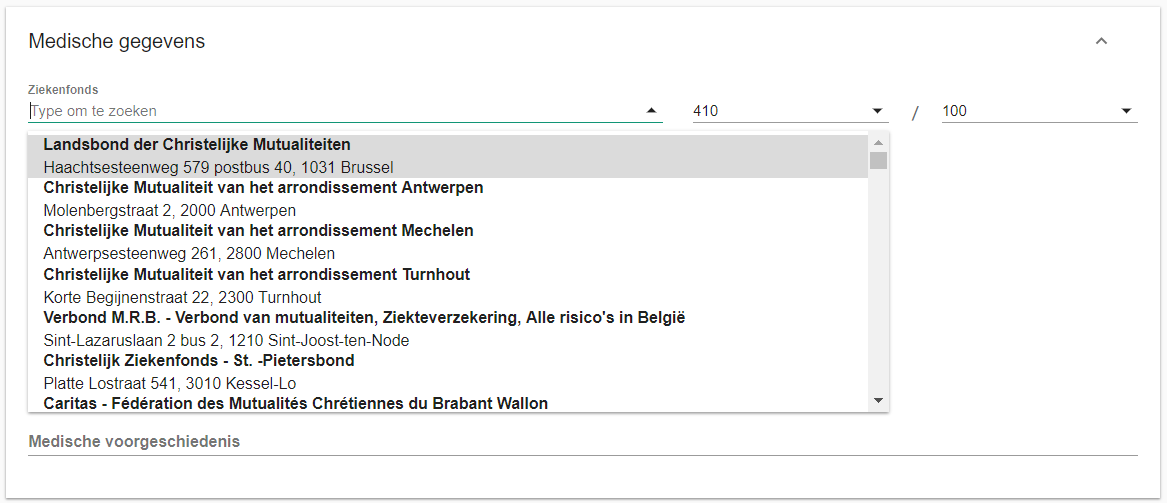
- Select the ziekenfonds (health insurance fund) field.
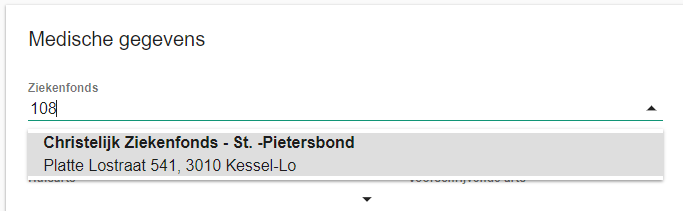
- Type the number of the fund, 108 in this example. Halingo selects the matching fund automatically.
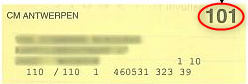
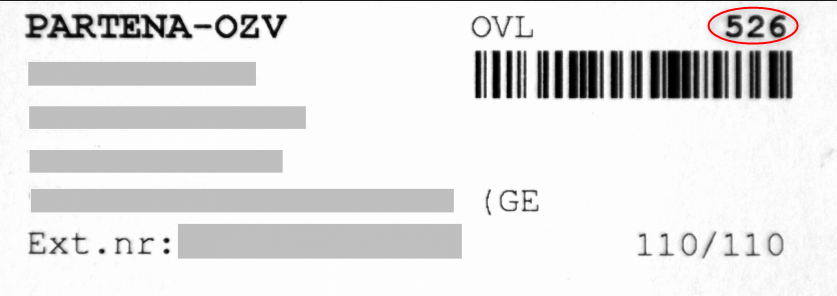
Every fund number is printed on the patient's insurance sticker, the klevertje. Below are two examples of where to find it.
Nog een vraag?Open een ticket, wij bekijken het samen met u.
Open een ticket