
Changing the status of an invoice
Screenshots show the Dutch interface. Menu names and buttons appear here as they appear on screen, in Dutch.
You change an invoice status straight from the overview.
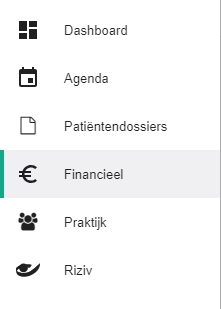
Click Financieel (Financial) in the left-hand menu.
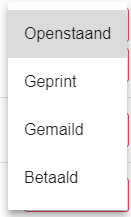
Click the factuurstatus (invoice status) of the invoice you want to change.

Select the nieuwe status (new status).
This works the same way for ordinary invoices, collective statement invoices and commission invoices.
Was this article helpful?
One more question?Open a ticket and we look at it with you.
Open a ticket