
Viewing another therapist’s invoices
Screenshots show the Dutch interface. Menu names and buttons appear here as they appear on screen, in Dutch.
As practice owner or administrator, you also see the invoices of your practice members. If you are a member, you see only your own invoices.
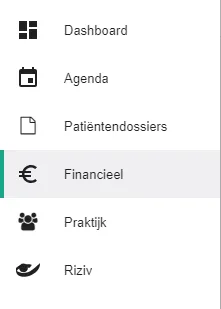
Click Financieel (Financial) in the left-hand menu.
Click the name of the selected therapist. Your own name is set by default.
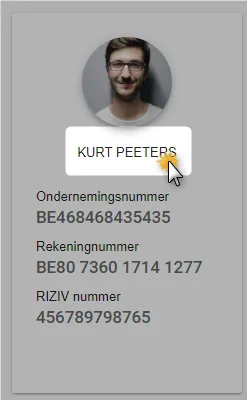
Select the therapist whose invoices you want to see.

In the same menu, select the praktijk (practice) to see all therapists’ invoices together.
Therapists shown greyed out are no longer members of your practice. Their invoices from the period when they were members stay available.
Was this article helpful?
One more question?Open a ticket and we will look at it with you.
Open a ticket