
Change your invoice template
Screenshots show the Dutch interface. Menu names and buttons appear here as they appear on screen, in Dutch.
The invoice template applies to the whole practice. Only the practice owner or an administrator can change it.
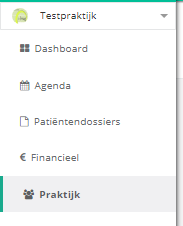
- Click praktijk (practice) in the left menu.
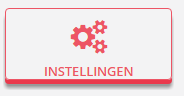
- Click the instellingen (settings) button.
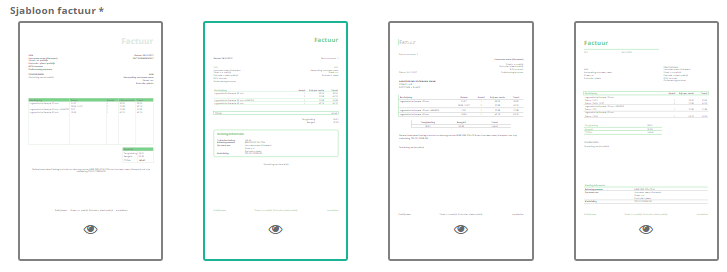
- Click the sjabloon (template) you want to use. There are four templates.
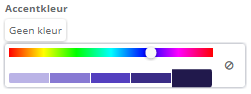
Tip. You change the accent colour by clicking the box with the current colour, or geen kleur (no colour)  if none has been picked yet. The slider then sets the colour.
One more question?Open a ticket and we look at it with you.
Open a ticket