
Print your Halingo invoice
Screenshots show the Dutch interface. Menu names and buttons appear here as they appear on screen, in Dutch.
The invoice for your monthly Halingo subscription sits in your practice. For a patient invoice or a practice invoice, see Print an invoice in the financial section.
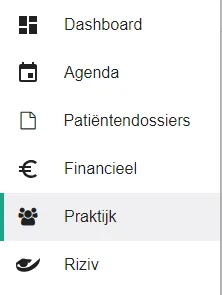
- Click praktijk (practice) in the left-hand menu.
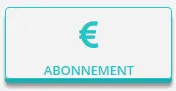
- Click the abonnement (subscription) button.
- Click the
 icon next to the invoice.
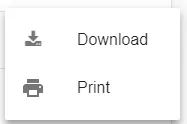
- Click print in the menu.
Was dit artikel nuttig?
Nog een vraag?Open een ticket, wij bekijken het samen met u.
Open een ticket