
Sign in to Rosa
Screenshots show the Dutch interface. Menu names and buttons appear here as they appear on screen, in Dutch.
Never signed in to Rosa before? Follow these steps.
- Go to https://hp-calendar.rosa.be/.
- On the login page, click Forgot password?

- Enter the email address you use to log in to Halingo.
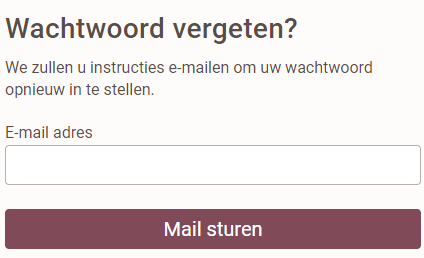
- Follow the steps in the email you receive to sign in.
Want Rosa and Halingo to work together? Read Synchronise Rosa and Halingo.
Was dit artikel nuttig?
Nog een vraag?Open een ticket, wij bekijken het samen met u.
Open een ticket