Change your payment method
Screenshots show the Dutch interface. Menu names and buttons appear here as they appear on screen, in Dutch.
Once you have entered a payment method, you change it from your practice.
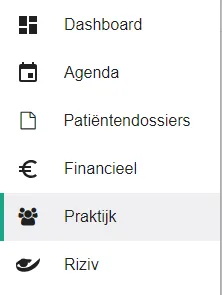
- Click praktijk (practice) in the left-hand menu.
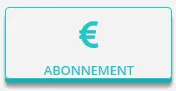
- Click the abonnement (subscription) button.
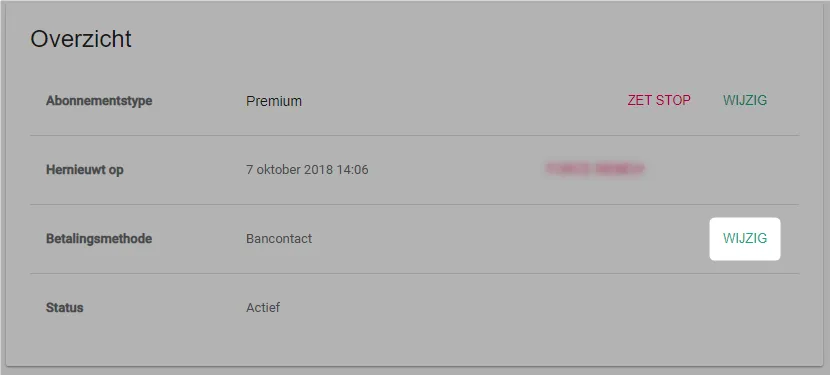
- Click the change button next to your payment method.
- Enter the details of your new payment method.
For Bancontact, the Belgian debit card scheme, click the change button.
For a credit card, fill in the card details and click the change button.
Was this article helpful?
One more question?Open a ticket and we will look at it with you.
Open a ticket