
Make your Rosa profile public
Screenshots show the Dutch interface. Menu names and buttons appear here as they appear on screen, in Dutch.
Here is how to make your Rosa profile public.
- First sign in to Rosa.
- Open your public profile.
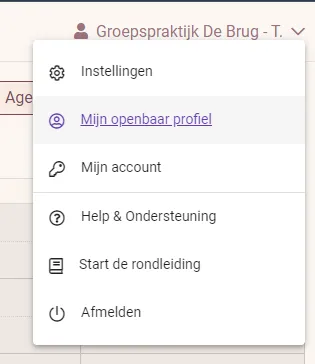
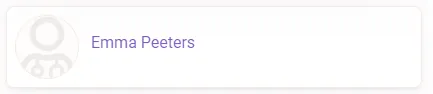
- Select the profile you want to edit.
- On the new page, fill in everything you want to make public.
- Happy with the details? Make your profile public.

Was this article helpful?
One more question?Open a ticket and we will look at it with you.
Open a ticket