
Change your subscription
Change your subscription
You change your subscription type yourself, from your practice.
- Click practice in the left-hand menu.
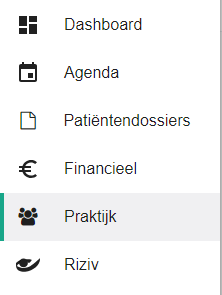
- Click the subscription button.

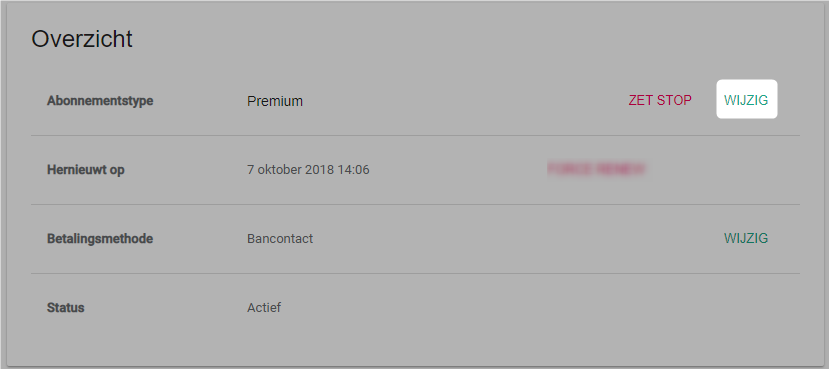
- Click the change button next to the subscription type.
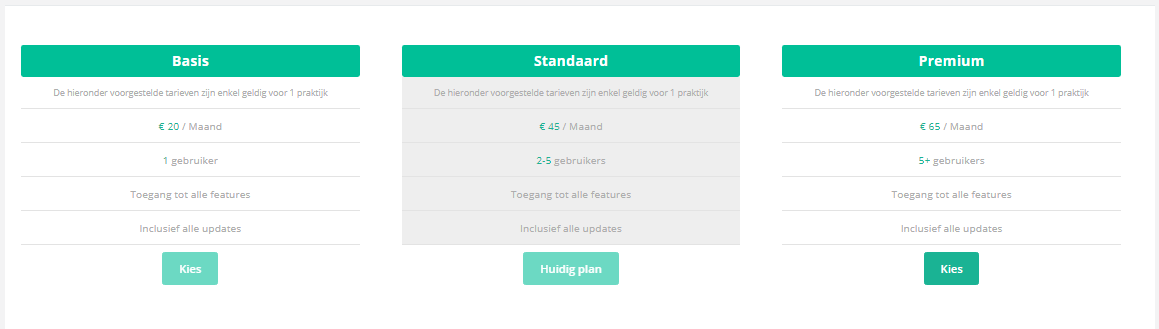
- Pick your new subscription type with the choose button.
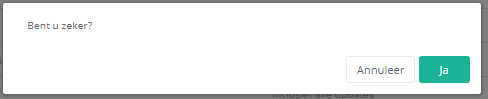
- Click yes to confirm.
Moving to a smaller plan
To move down a plan, first reduce the number of practice members. Remove unused members until you are below the maximum number of users of the new plan. Only then can you select it.
One more question?Open a ticket and we look at it with you.
Open a ticket